> ## Documentation Index
> Fetch the complete documentation index at: https://docs.gmicloud.ai/llms.txt
> Use this file to discover all available pages before exploring further.
# User and Password Management
> Sign in to the GMI Cloud console.
## Login
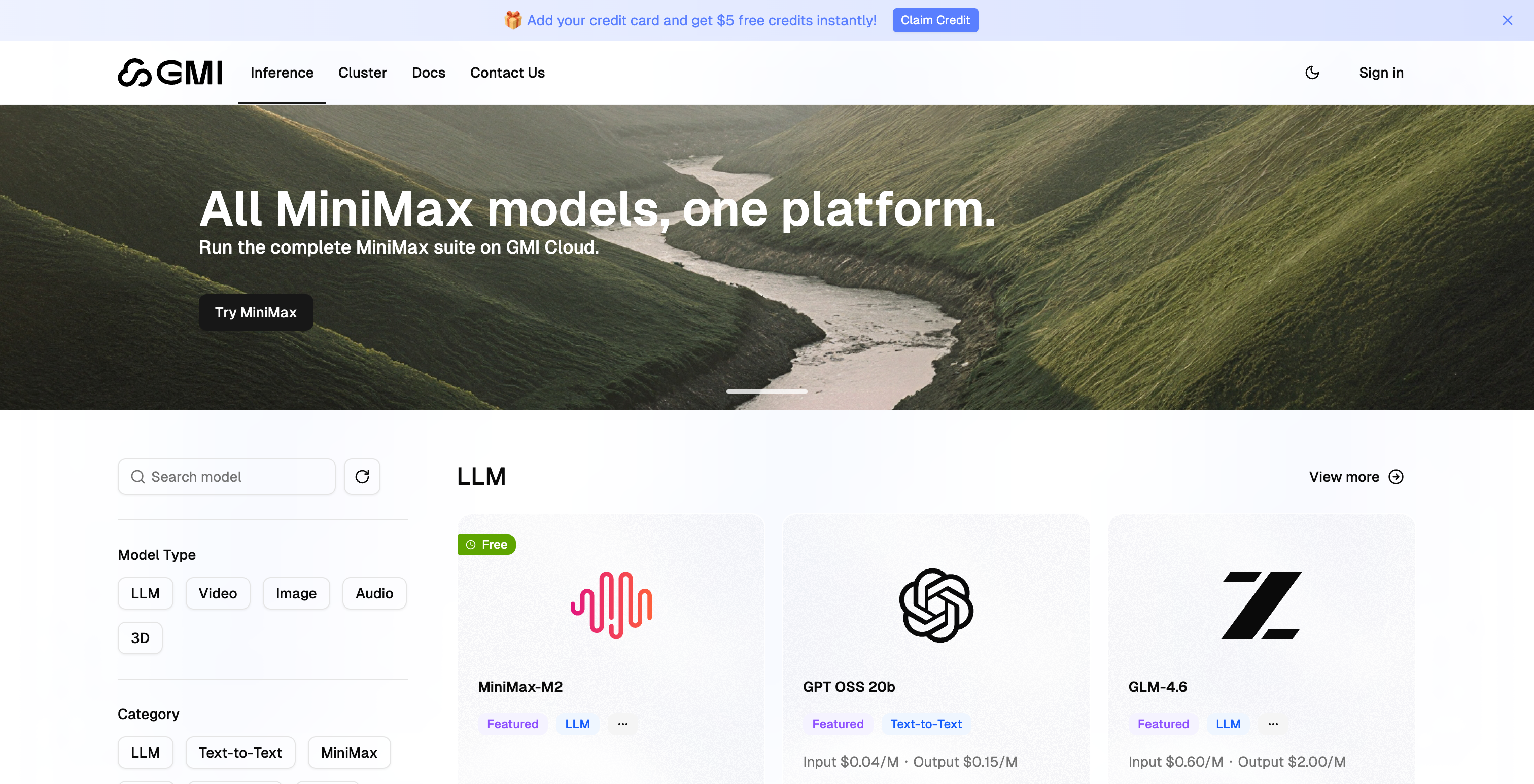
1. Navigate to the GMI Cloud homepage
2. Click the "**Sign in**" button in the top right corner
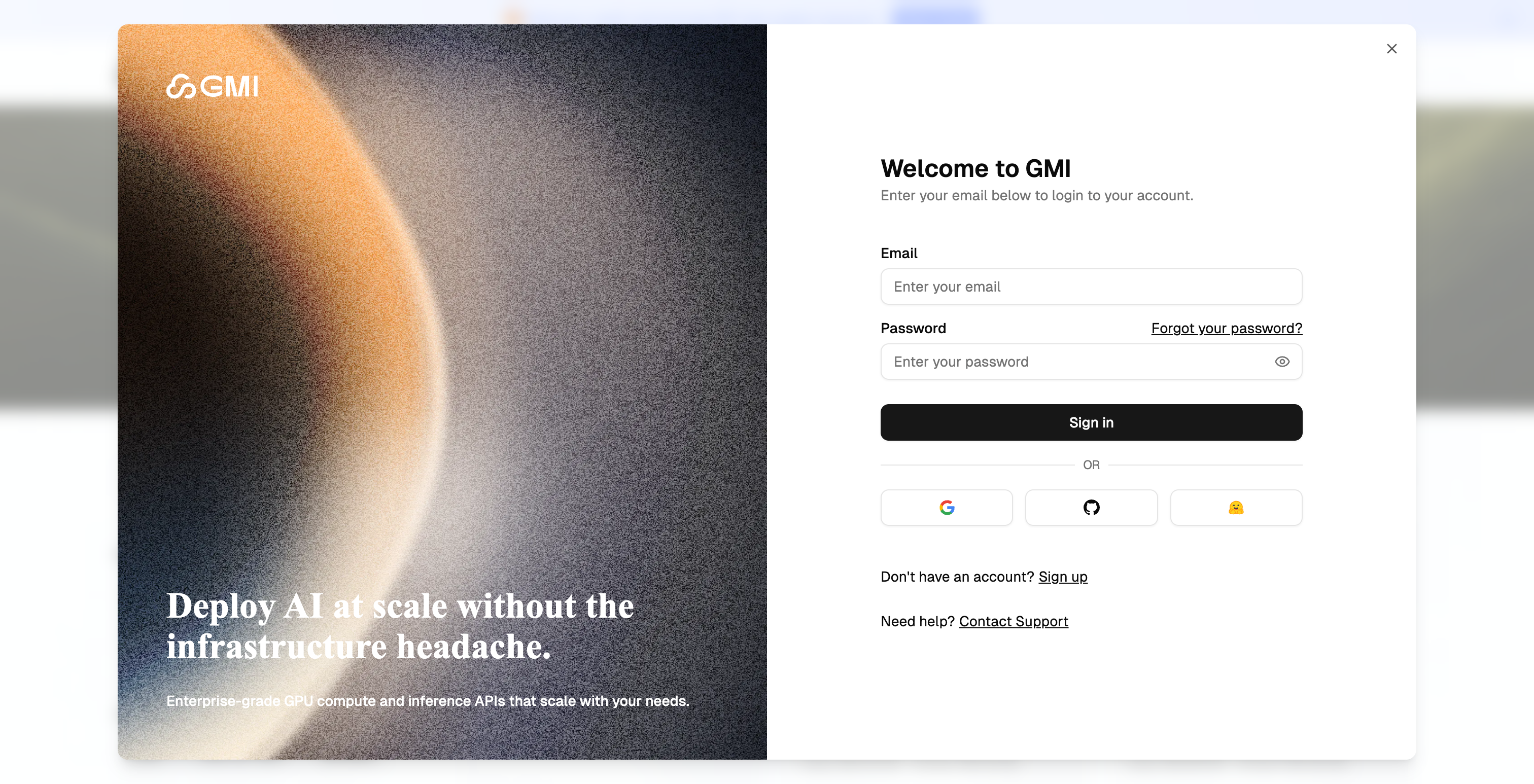
 3. Choose your preferred login method:
* Username/Password
* OAuth (Google, GitHub, Hugging Face)
3. Choose your preferred login method:
* Username/Password
* OAuth (Google, GitHub, Hugging Face)
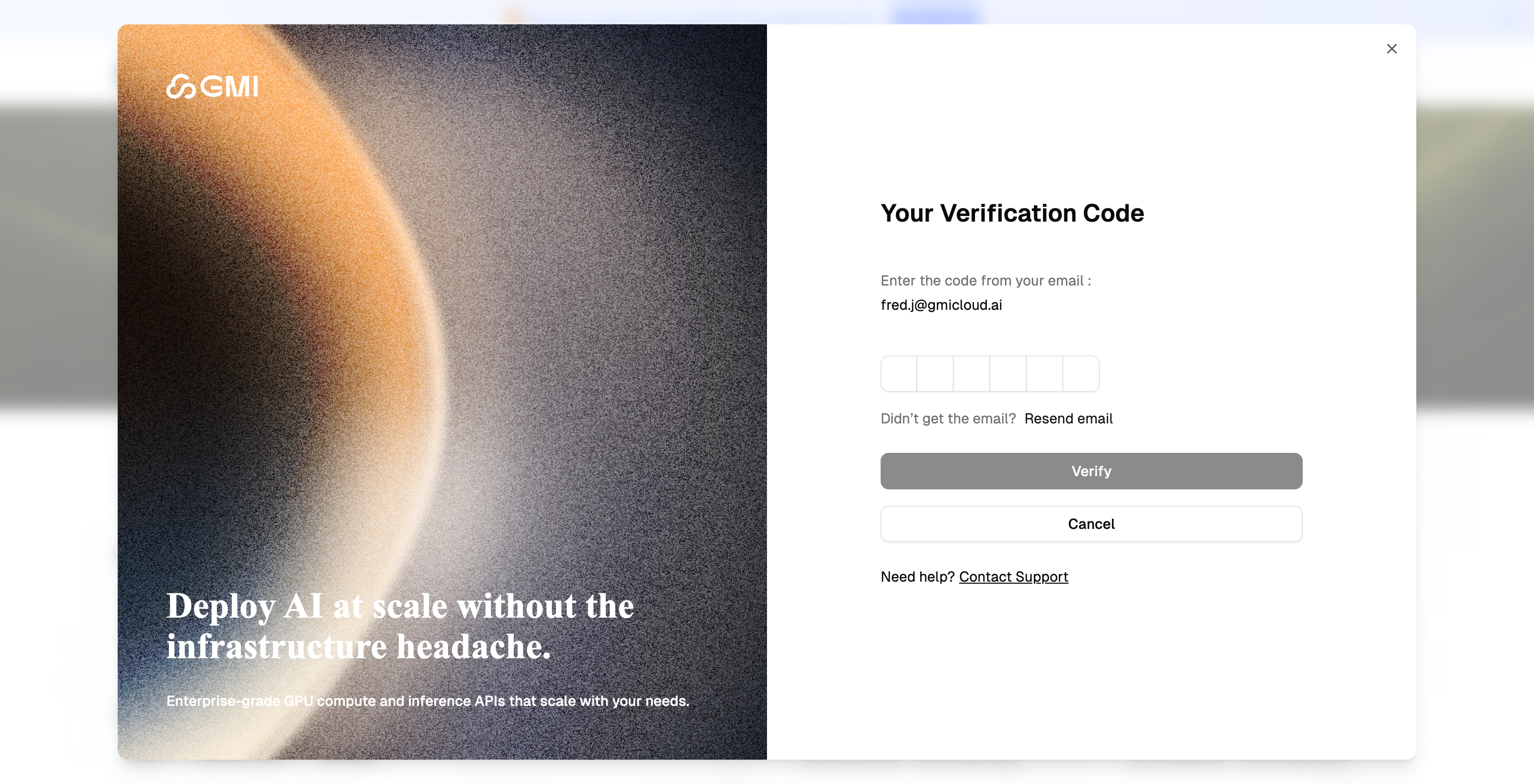
 4. Enter the Two-Factor Authentication (2FA) verification code if required
 ## Logout
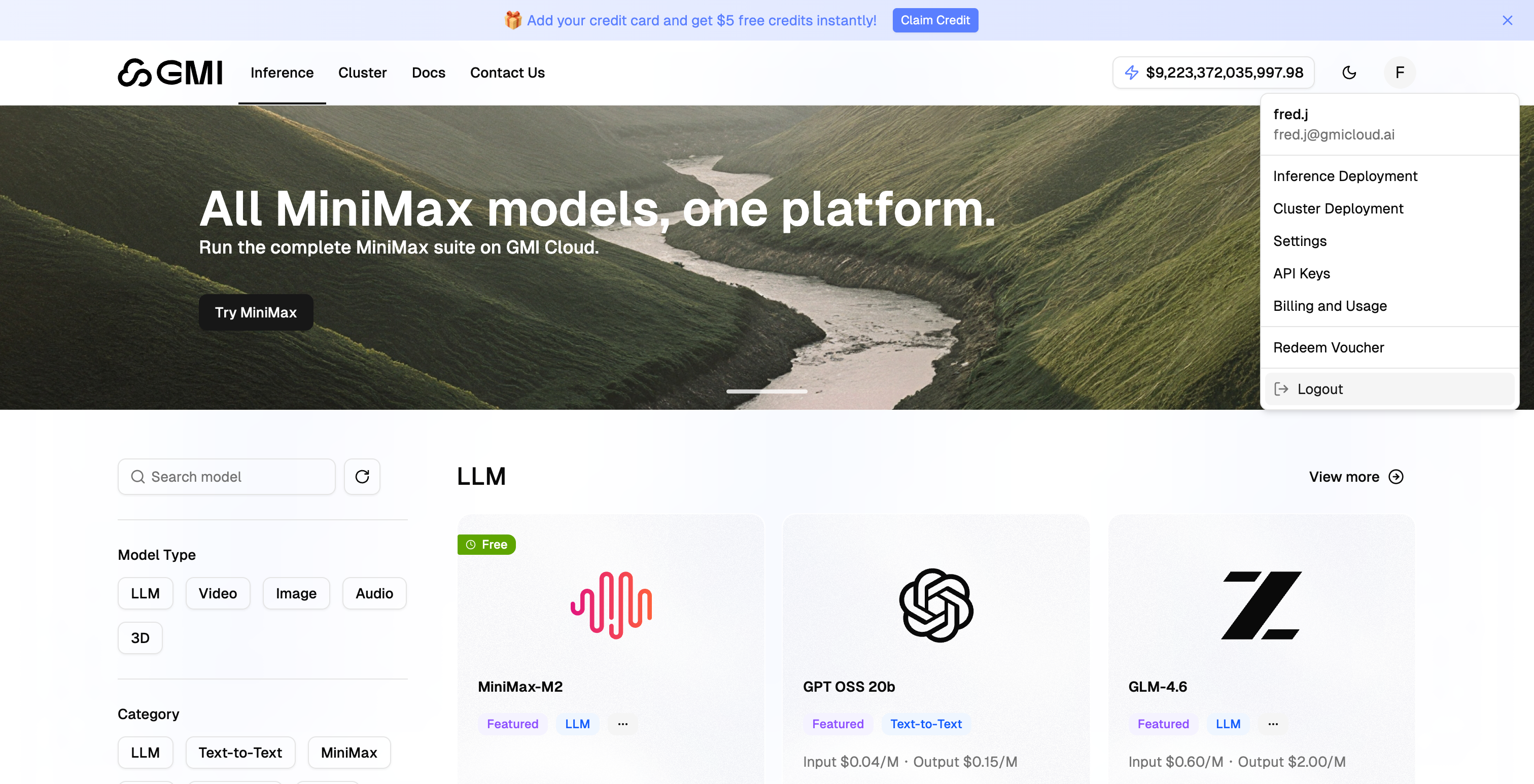
1. Click your avatar in the top right corner
2. Select "**Logout**" from the dropdown menu
## Logout
1. Click your avatar in the top right corner
2. Select "**Logout**" from the dropdown menu
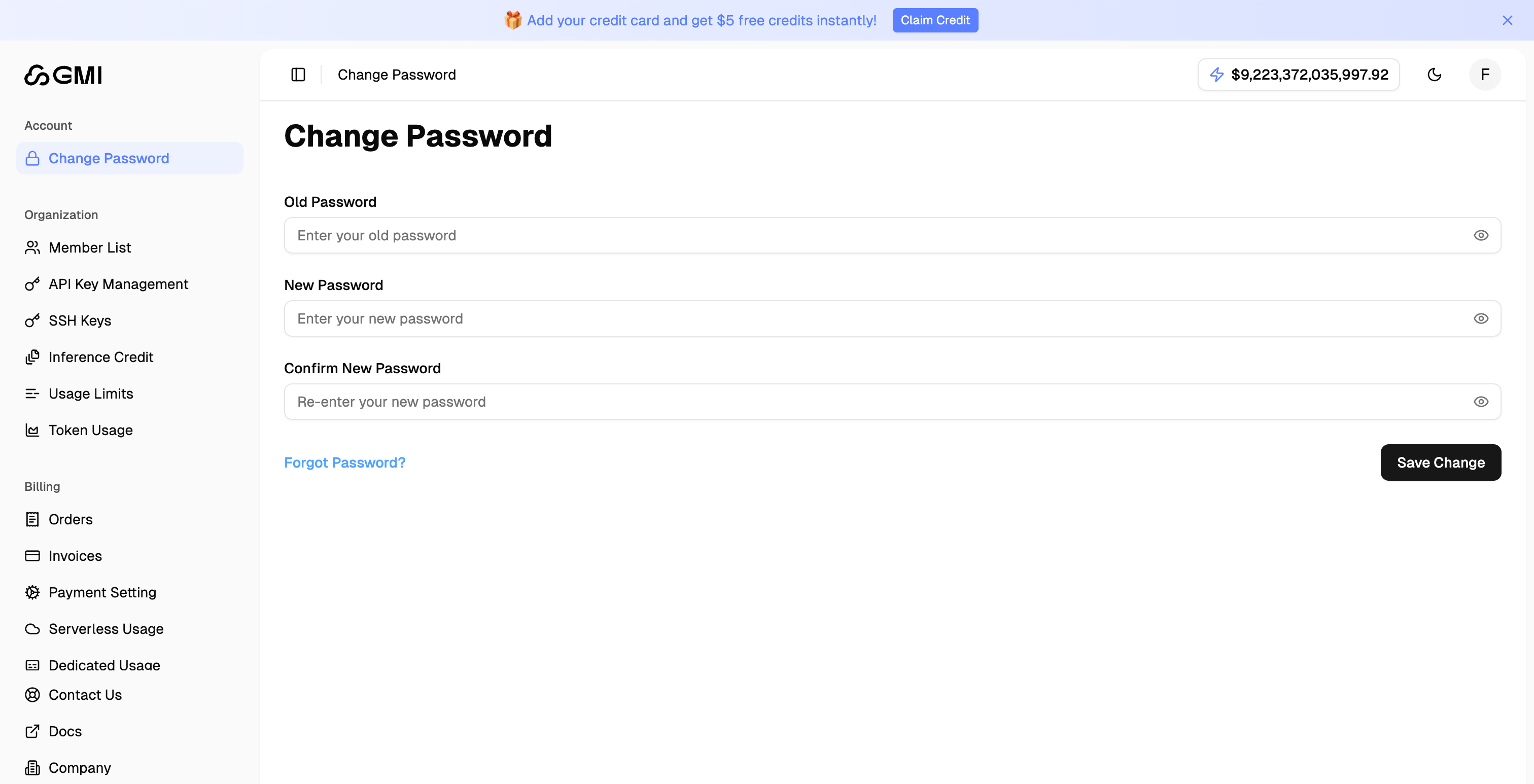
 ## Change Password
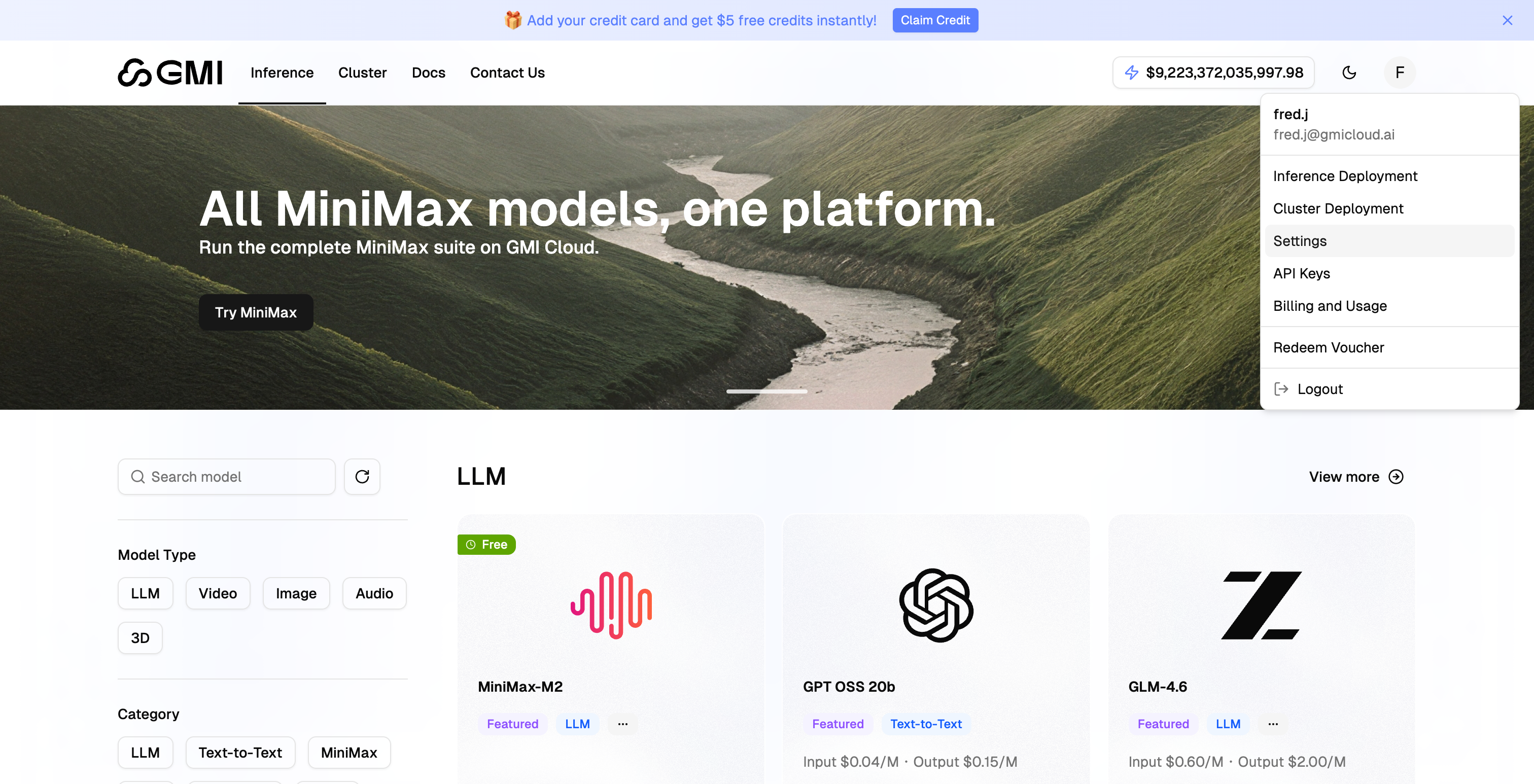
1. Click your avatar in the top right corner
2. Select "**Settings**" from the dropdown menu
## Change Password
1. Click your avatar in the top right corner
2. Select "**Settings**" from the dropdown menu
 3. Click "**Change Password**" in the left sidebar
4. Enter your current password and the new password
5. Click "**Save Change**" to update your password
3. Click "**Change Password**" in the left sidebar
4. Enter your current password and the new password
5. Click "**Save Change**" to update your password