> ## Documentation Index
> Fetch the complete documentation index at: https://docs.gmicloud.ai/llms.txt
> Use this file to discover all available pages before exploring further.
# Organization
> Manage your organization, team members, and roles in GMI Cloud.
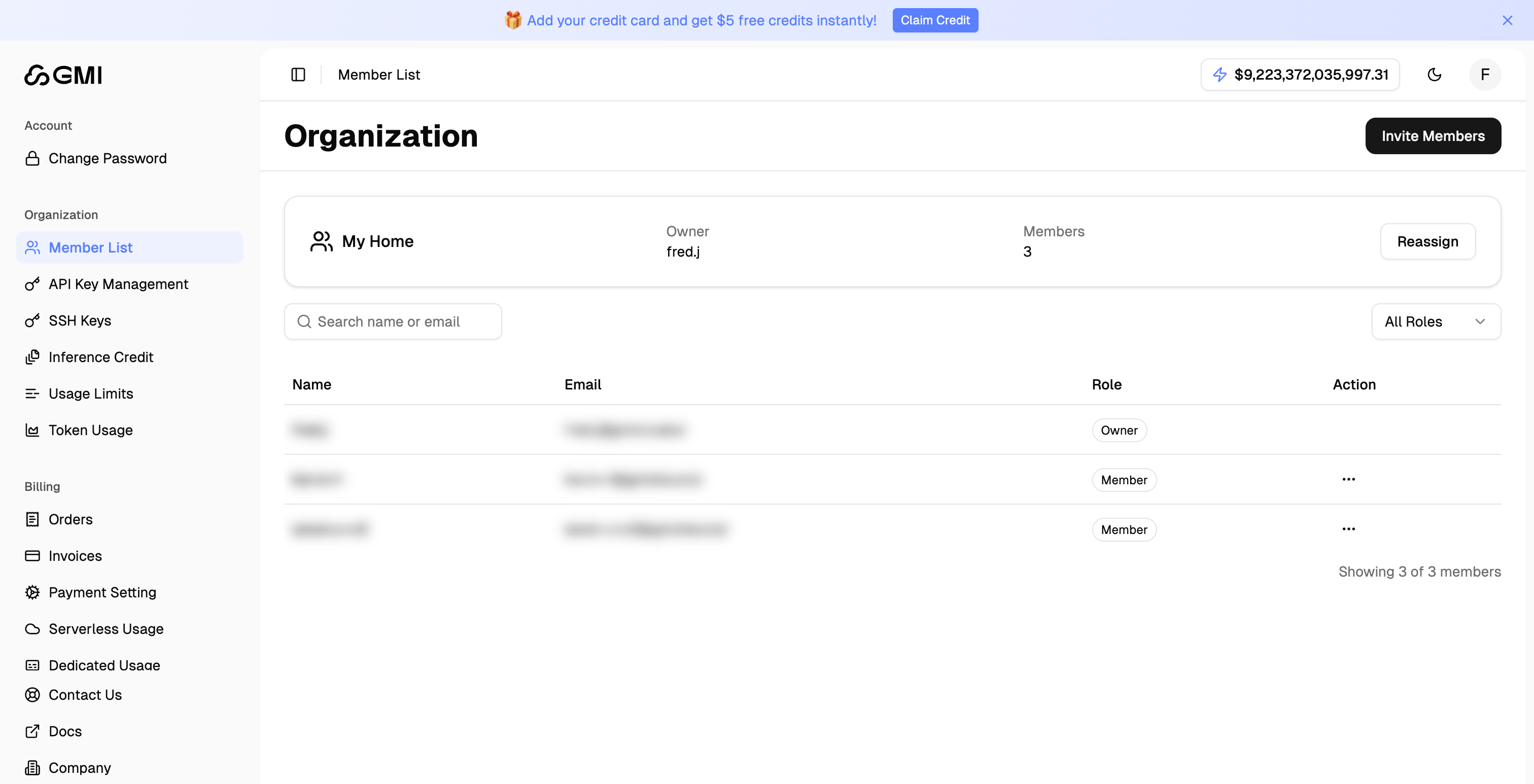
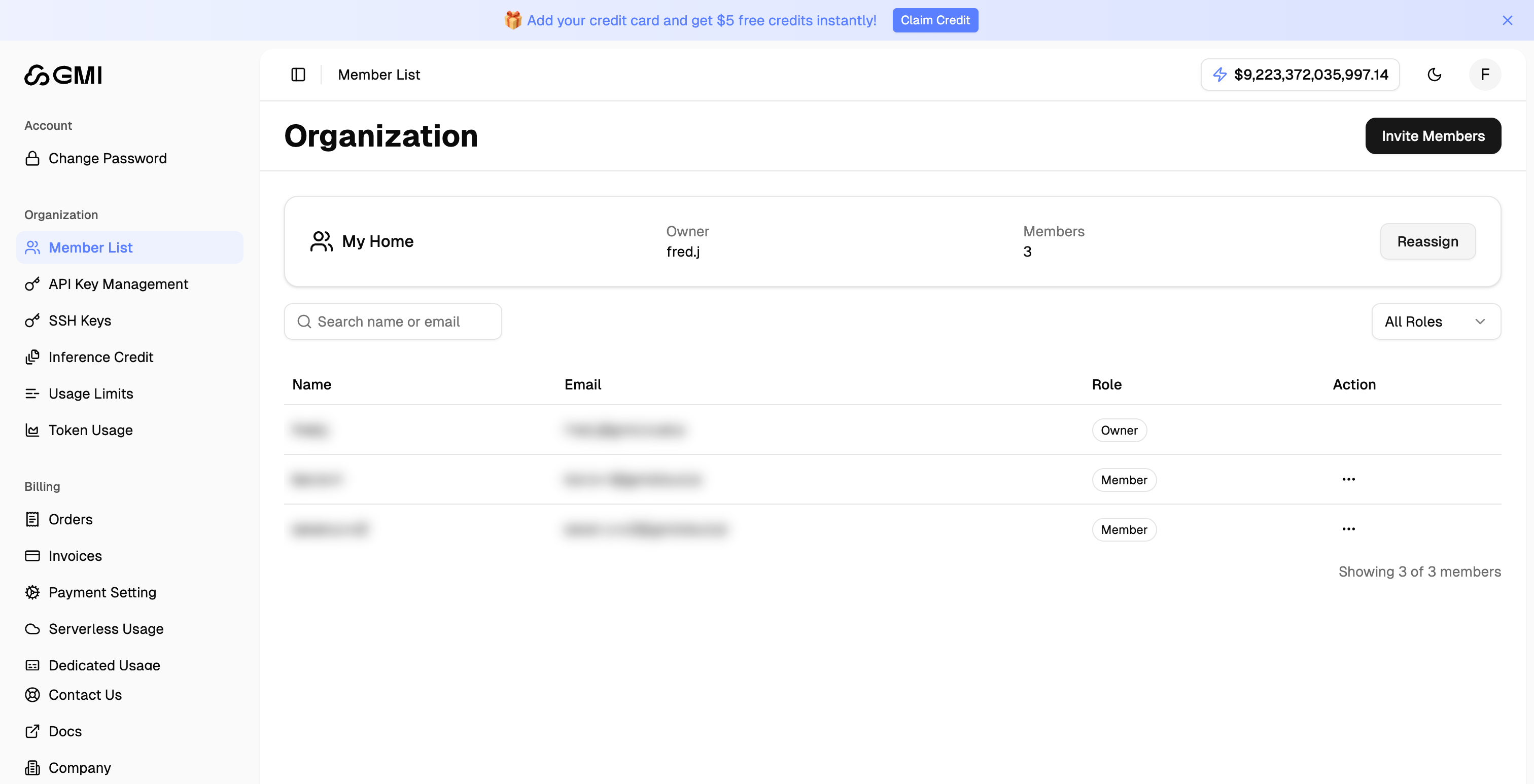
## Member List
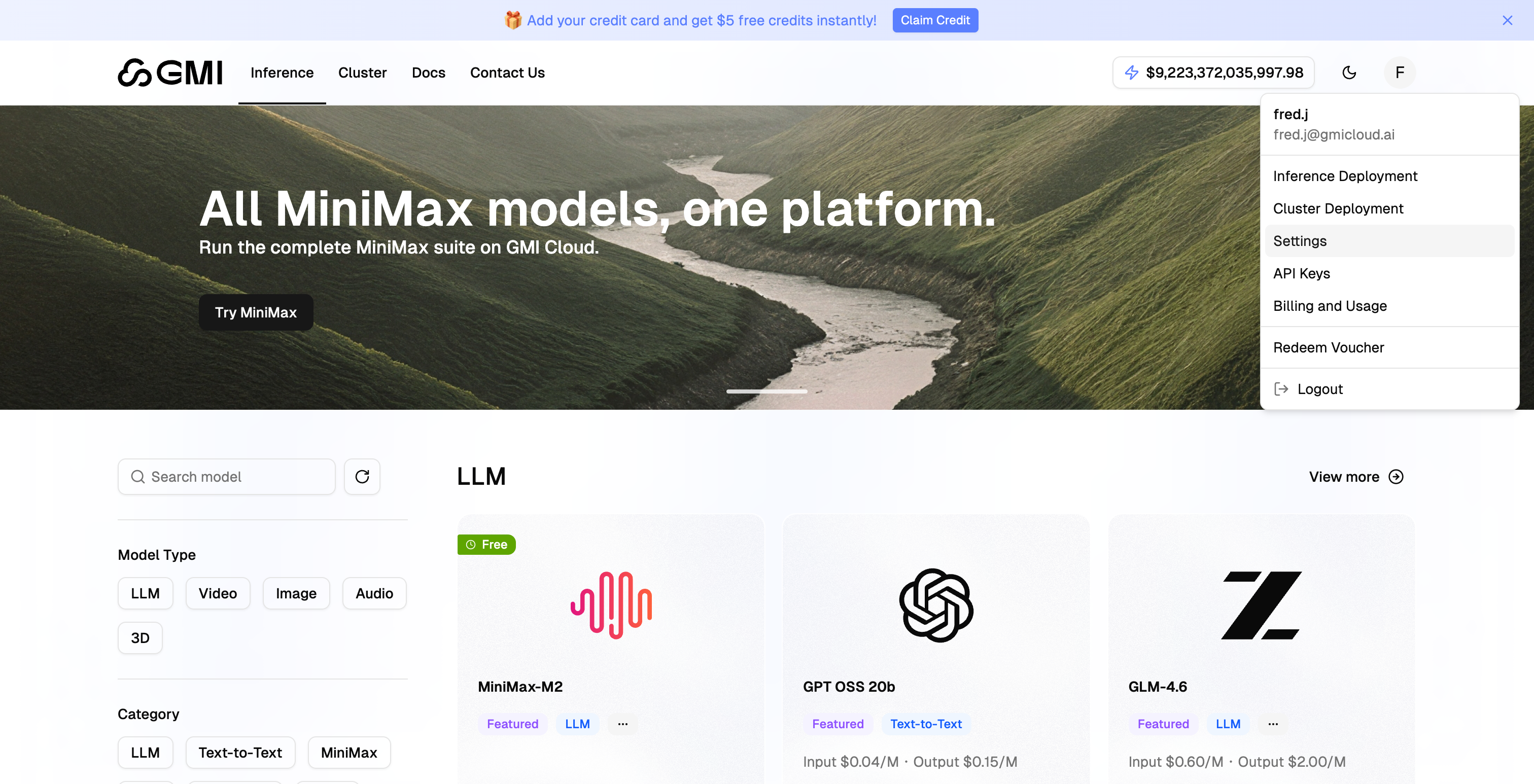
1. Click your avatar in the top right corner
2. Select "**Settings**" from the dropdown menu
 3. Click "**Member List**" in the left sidebar to view all organization members
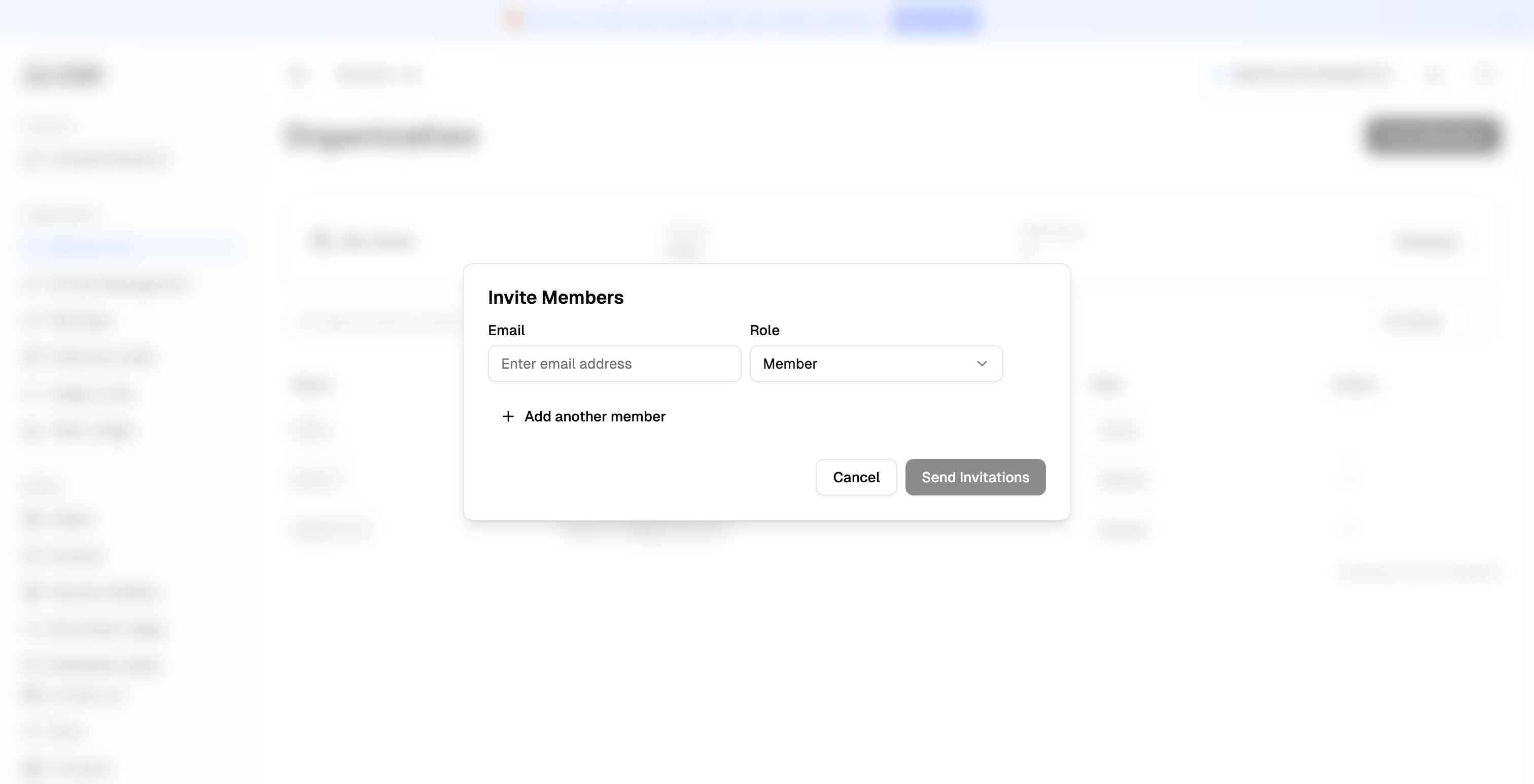
 ## Invite Members
1. Click the "**Invite Members**" button to invite members to your organization by email
## Invite Members
1. Click the "**Invite Members**" button to invite members to your organization by email
 ## Reassign Organization Owner
1. Locate the "Organization Owner" section on the Member List page
2. Click the "**Reassign**" button
## Reassign Organization Owner
1. Locate the "Organization Owner" section on the Member List page
2. Click the "**Reassign**" button
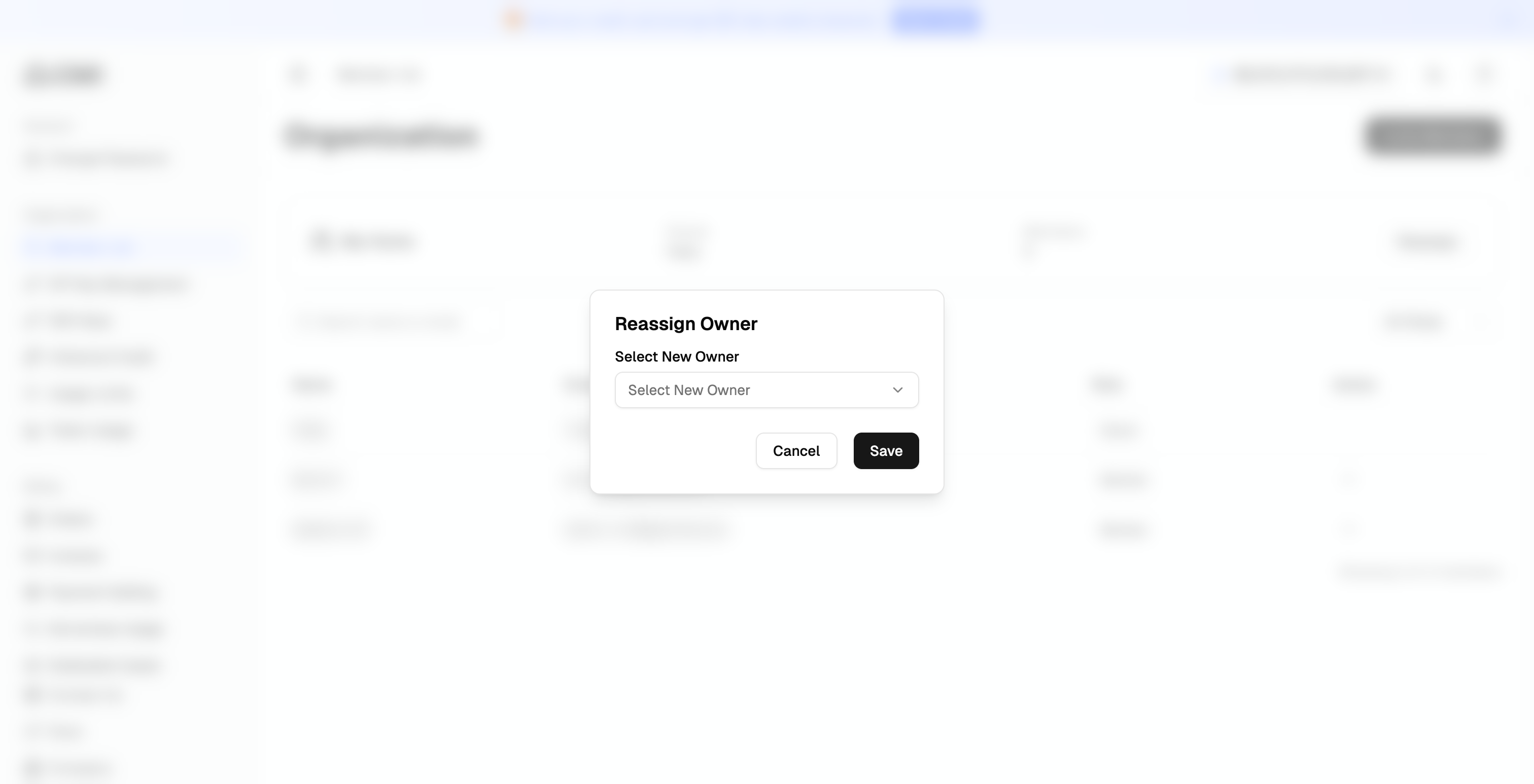
 3. Select the new owner from the dropdown menu and click "**Confirm**"
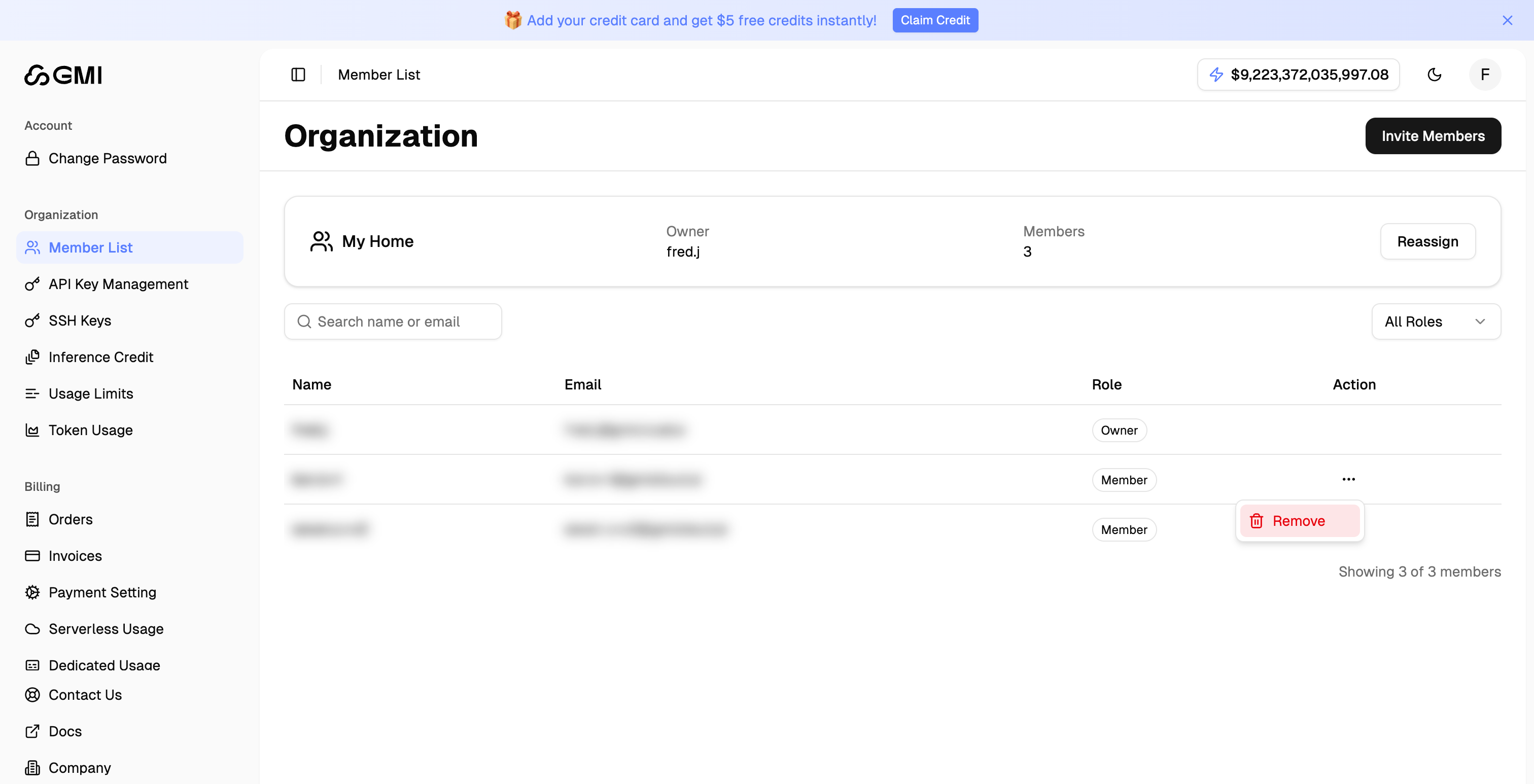
 ## Remove Member
1. Locate the member you want to remove
2. Click the "More actions" button (three dots icon)
3. Select "**Remove**" from the dropdown menu to remove the member
## Remove Member
1. Locate the member you want to remove
2. Click the "More actions" button (three dots icon)
3. Select "**Remove**" from the dropdown menu to remove the member