> ## Documentation Index
> Fetch the complete documentation index at: https://docs.gmicloud.ai/llms.txt
> Use this file to discover all available pages before exploring further.
# Inference Overview
> Serverless and Dedicated endpoints for running ML models in production on GMI Cloud.
GMI Inference runs production ML models behind two endpoint types: **Serverless** for instant access to managed models, and **Dedicated** for fully customized, isolated deployments.
Pre-configured, OpenAI-compatible APIs. No infrastructure to manage. Pay per token. Best for prototyping and variable workloads.
Your own models on dedicated GPUs. Full control over hardware, scaling, and isolation. No rate limits. Best for steady or sensitive production traffic.
## Serverless Endpoints
Instant access to popular models through OpenAI-compatible APIs.
* **Zero setup.** Models are ready behind a single API key.
* **Autoscaling.** Capacity grows and shrinks with demand.
* **Per-token billing.** No idle compute charges.
Good for prototypes, small apps, and any workload where you'd rather not run infrastructure.
## Dedicated Endpoints
Provision your own endpoint on dedicated GPUs.
* **Bring your own model.** Deploy fine-tuned or proprietary weights.
* **Predictable performance.** Reserved GPU resources, consistent latency.
* **Isolated.** Private network, separate from other tenants.
* **No rate limits.** Cap is set by the hardware you provision.
Good for enterprise production, latency-sensitive applications, or large continuous workloads.
## Inference in the console
A tour of the screens you'll use inside the [GMI Cloud Console](https://console.gmicloud.ai).
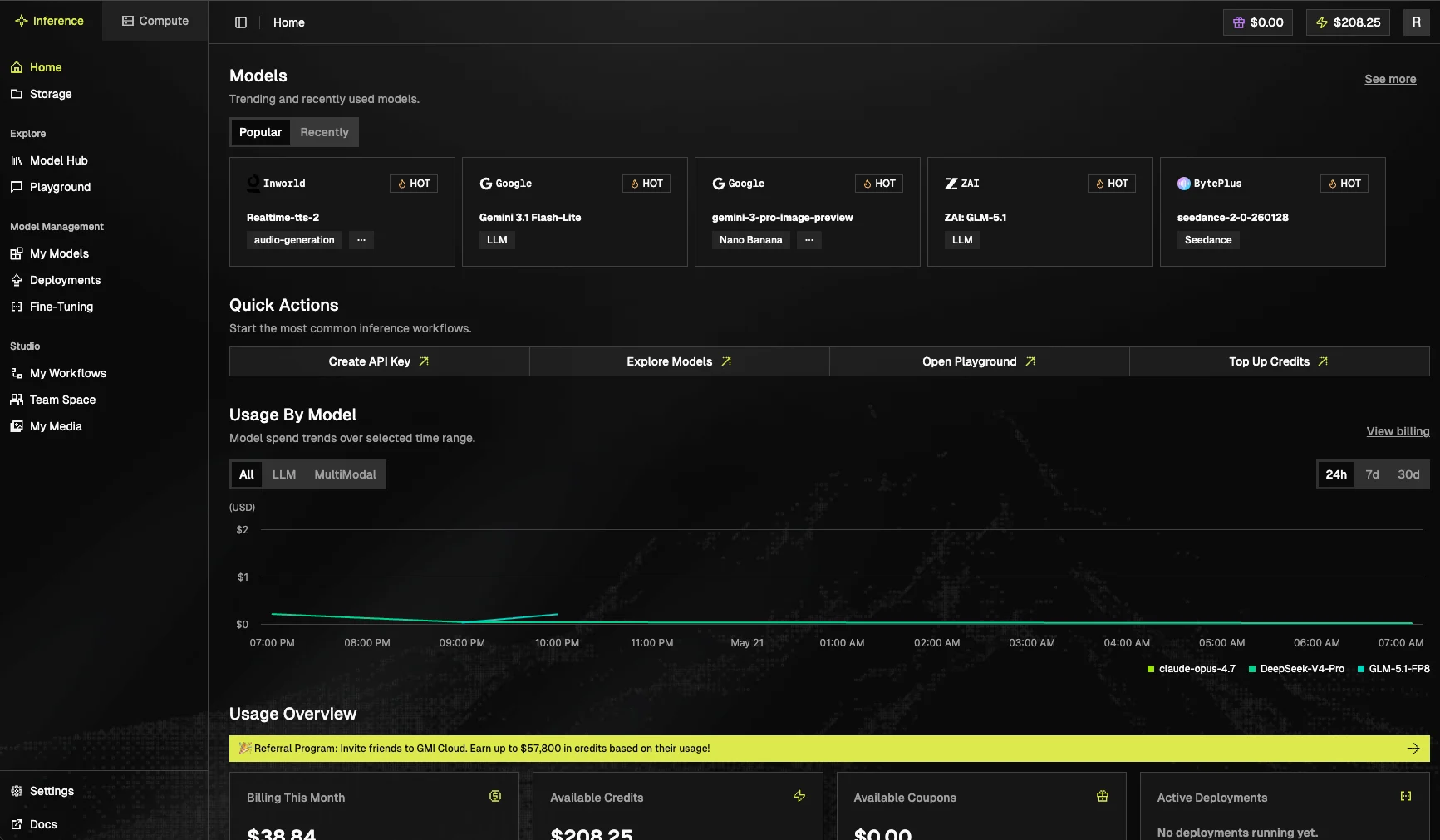
### Dashboard
Landing screen for the Inference tab. Recent activity, usage trends, and shortcuts to your most-used resources.
 ### Model Hub
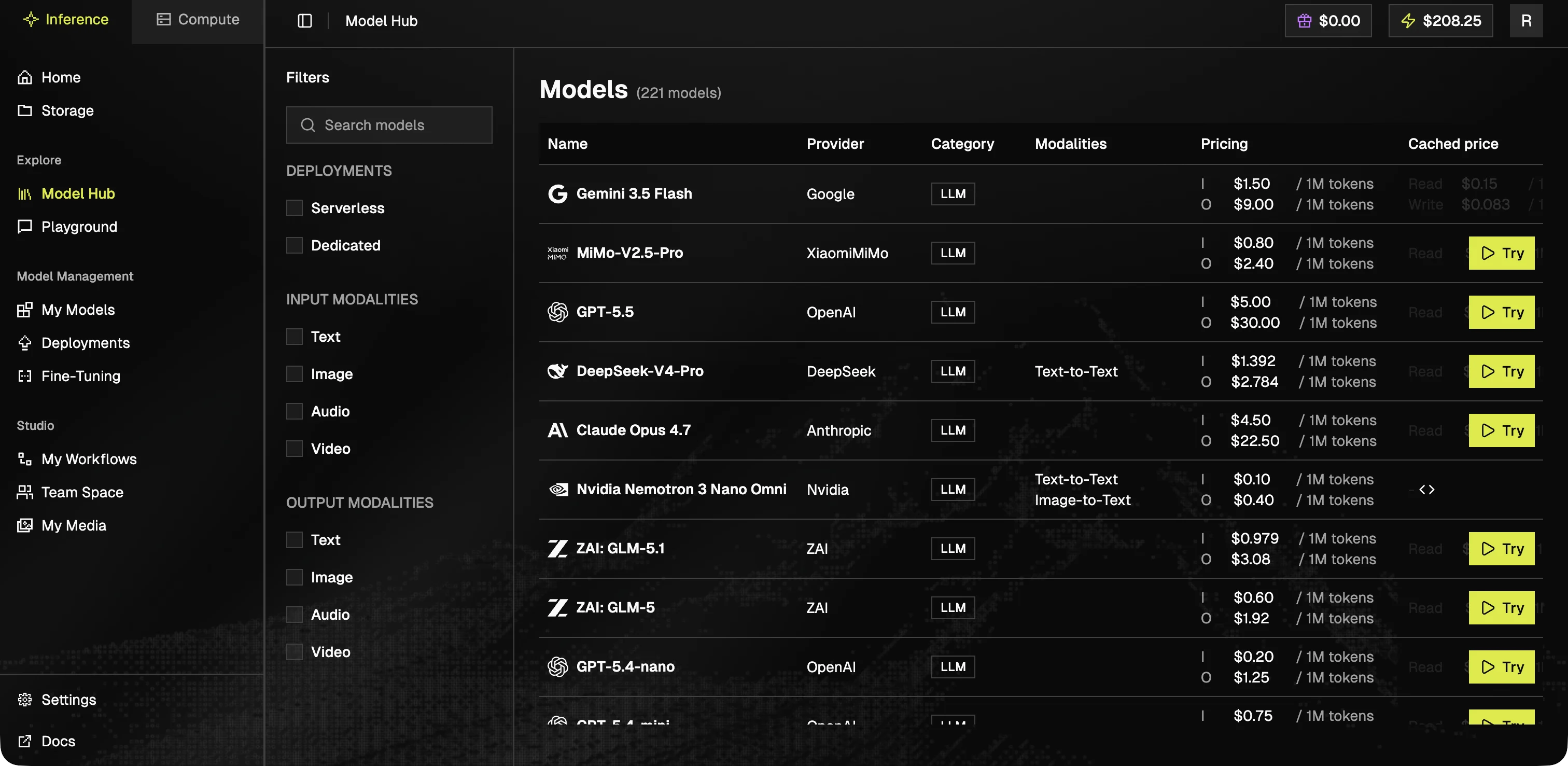
Browse the full catalog of available models, filter by modality (text, image, video, audio), and open a model card for API examples and parameters.
### Model Hub
Browse the full catalog of available models, filter by modality (text, image, video, audio), and open a model card for API examples and parameters.
 ### Playground
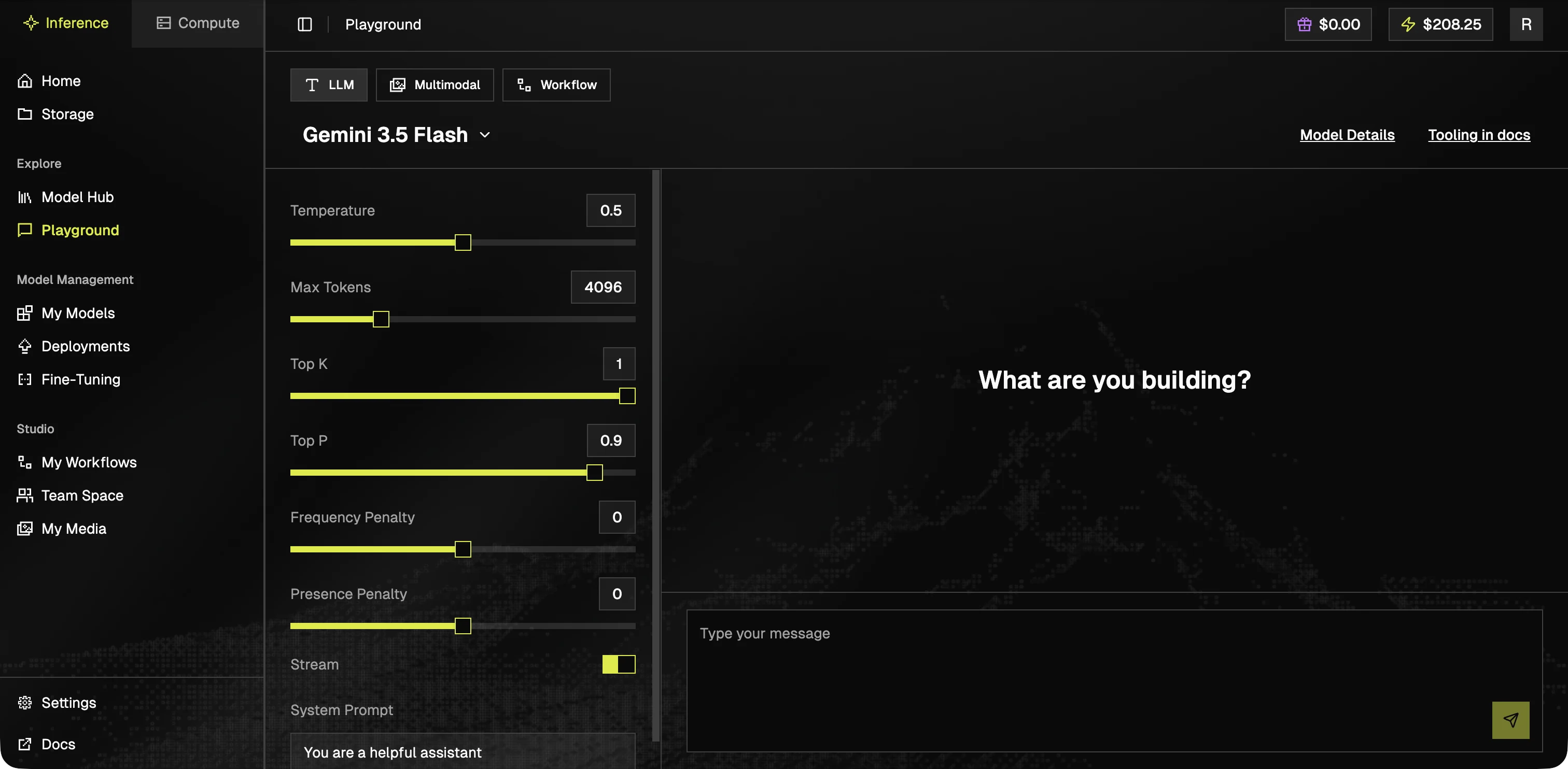
Try any serverless model in the browser. Useful for prompt testing and parameter exploration before integrating via API.
### Playground
Try any serverless model in the browser. Useful for prompt testing and parameter exploration before integrating via API.
 ### My Models
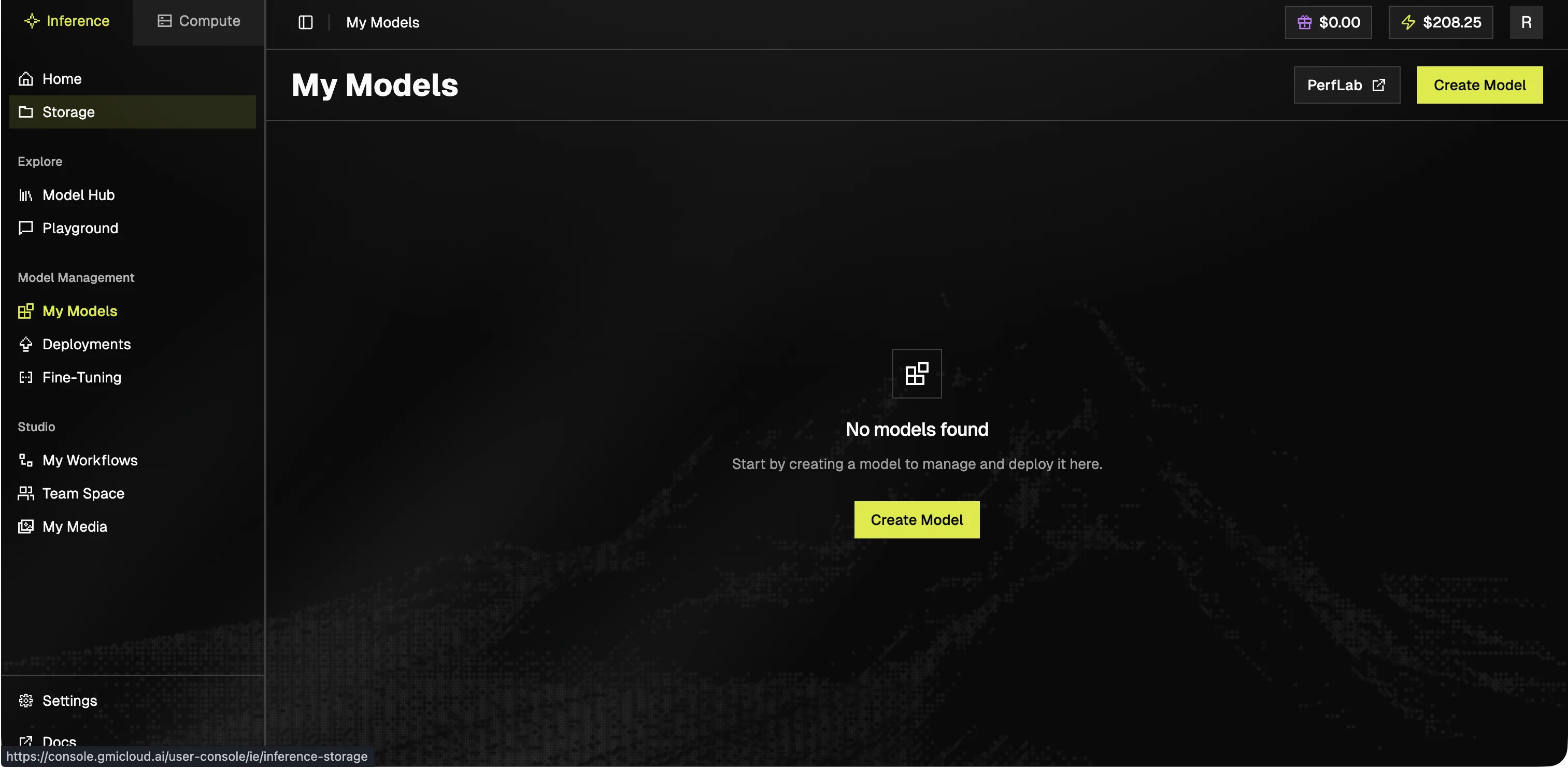
Your uploaded or fine-tuned models. Manage versions and visibility from here.
### My Models
Your uploaded or fine-tuned models. Manage versions and visibility from here.
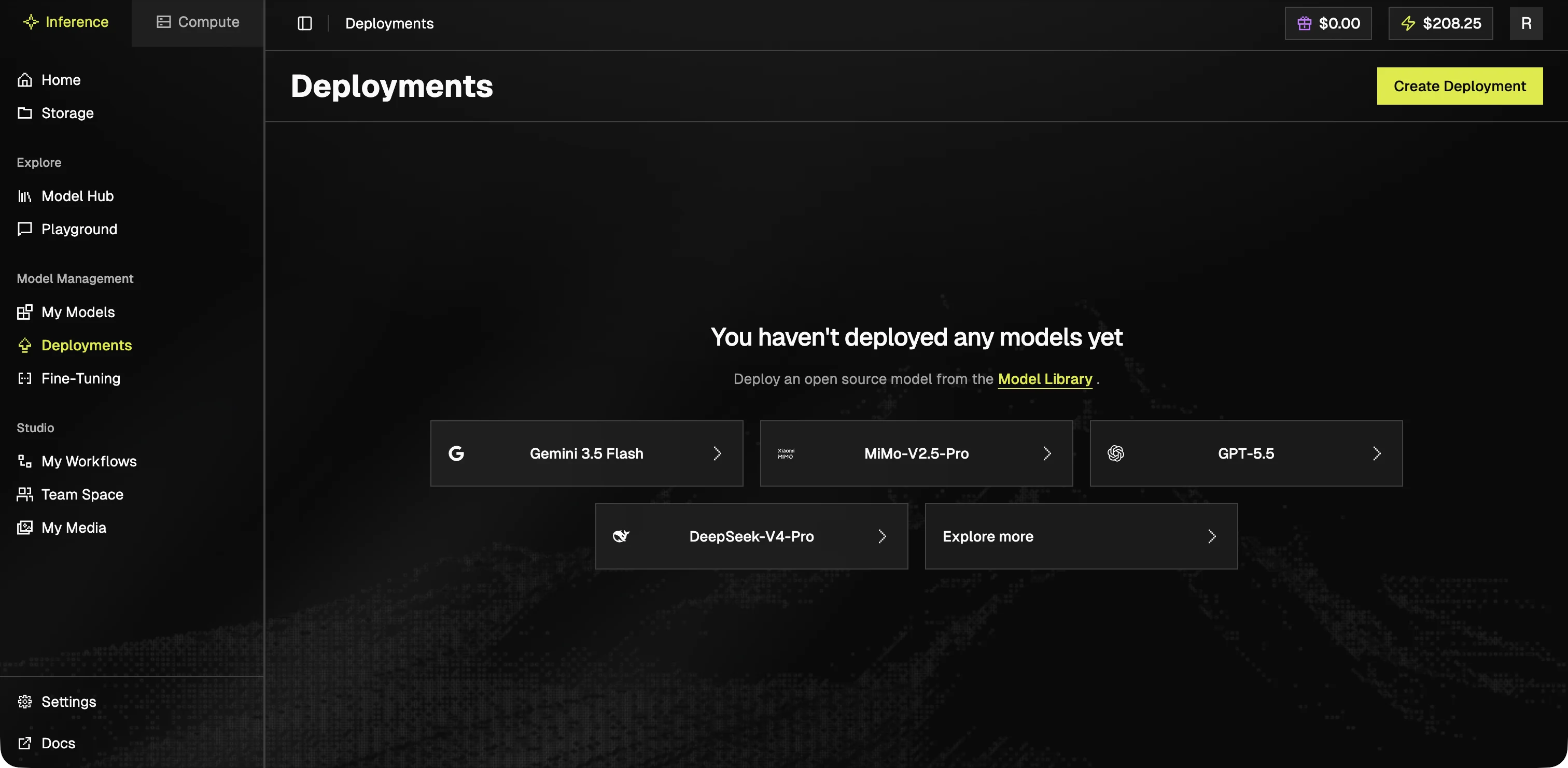
 ### Deployments
Manage Dedicated Endpoints: scale settings, model versions, and traffic routing.
### Deployments
Manage Dedicated Endpoints: scale settings, model versions, and traffic routing.
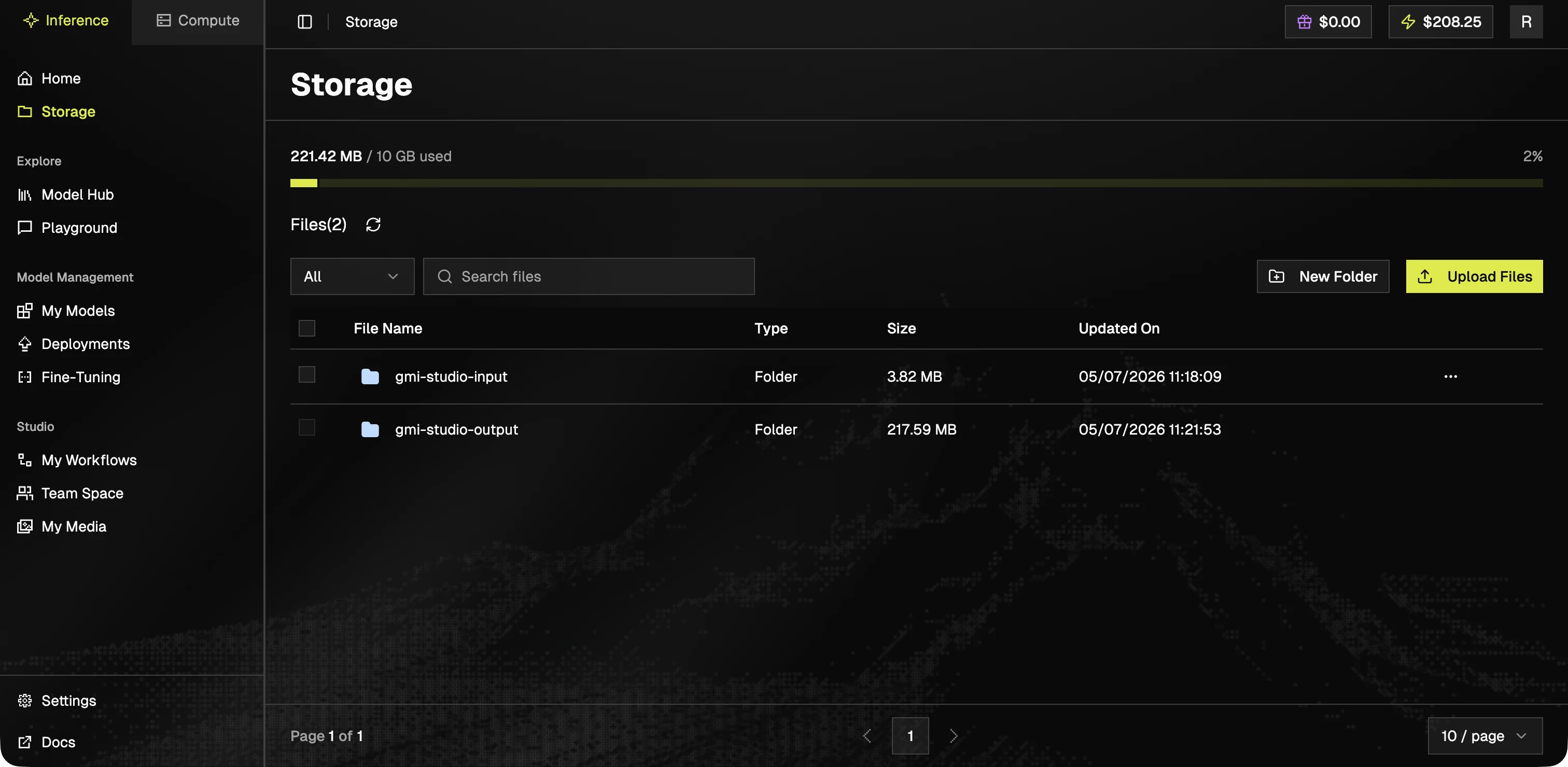
 ### Storage
Inference Storage holds inputs, outputs, and other artifacts referenced by your endpoints.
### Storage
Inference Storage holds inputs, outputs, and other artifacts referenced by your endpoints.
 Workflows, Team Space, and generated media are part of GMI Studio. See [Managing Workflows](/gmi-studio/gmi-studio-user-manual/managing-workflows) under the GMI Studio tab.