

My Workflows
Your personal workspace for managing workflows you created or duplicated.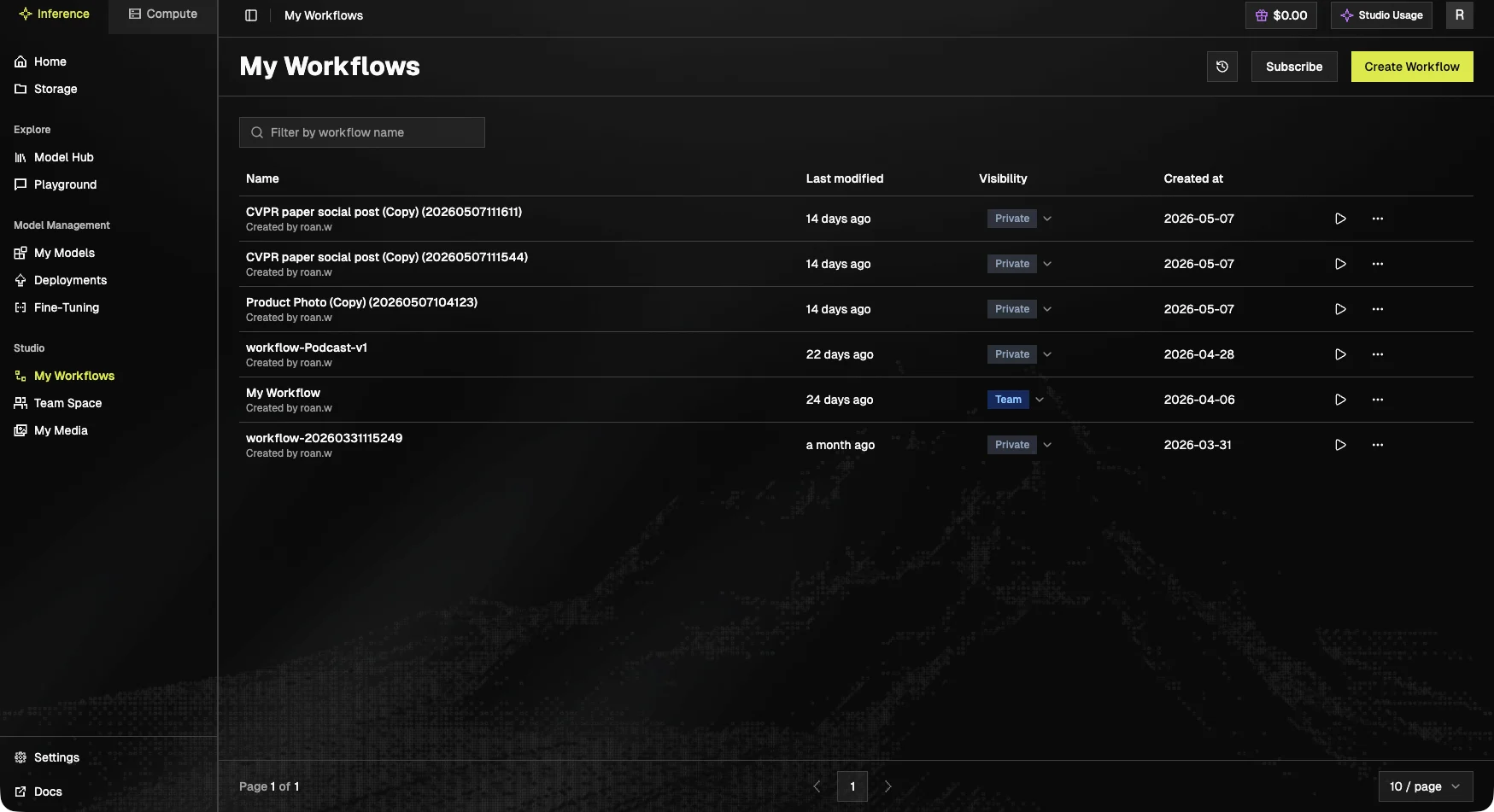
- Search: filter by workflow name.
- Create Workflow: start a new one from scratch.
- Actions (⋯) on each row:
- Edit metadata: rename, update description, change tags.
- Duplicate: make a copy. The original is untouched, useful for experimentation.
- Delete: remove a workflow you no longer need. Deleted workflows are not recoverable.
Team Space
A shared workspace where teammates can co-author workflows.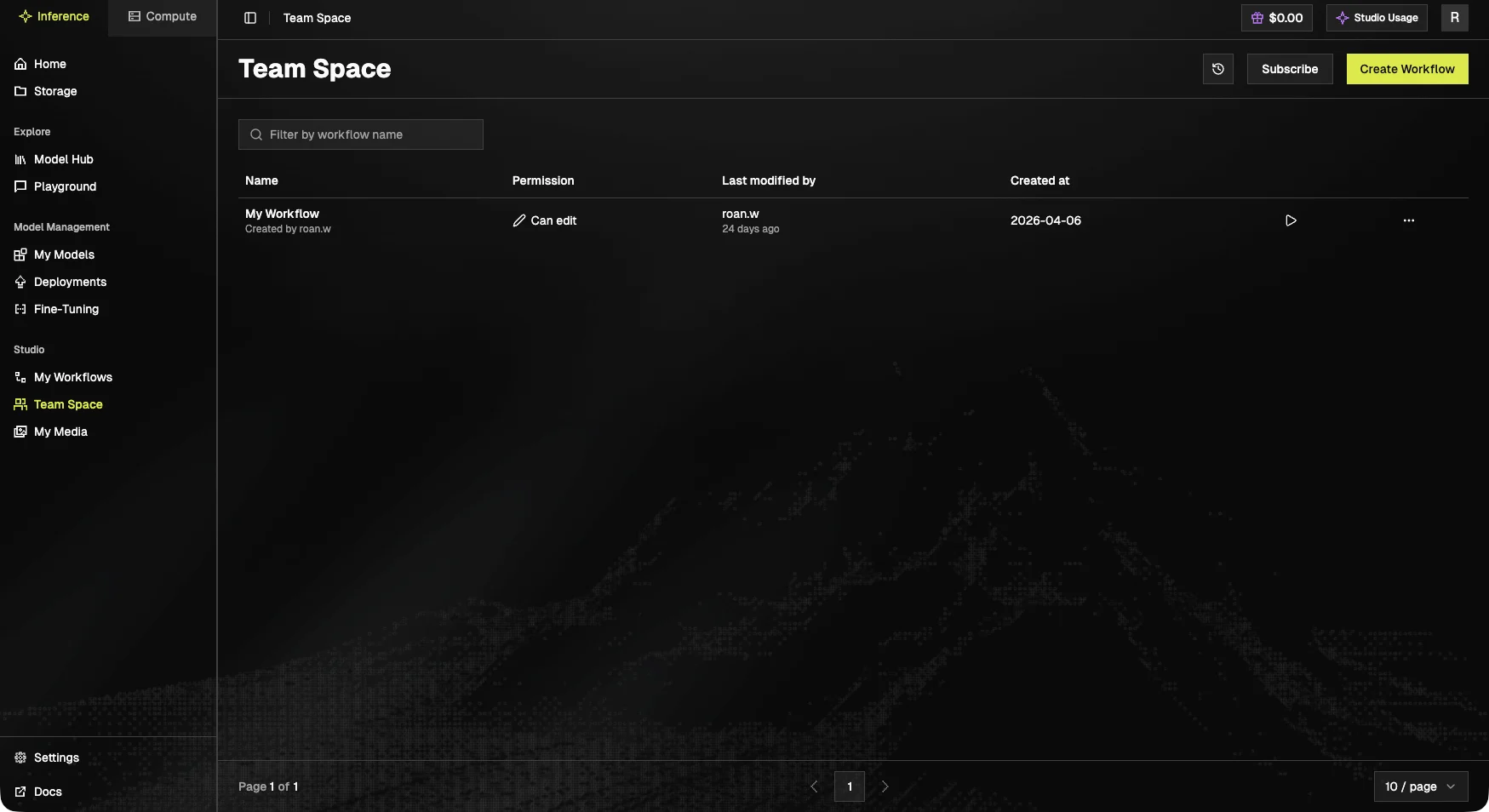
- Permission:
Can edit,Can view. - Last modified by: which teammate last touched the workflow.
- Created at: original creation timestamp.
My Media
A gallery of every asset your workflow runs have generated, images, videos, and audio.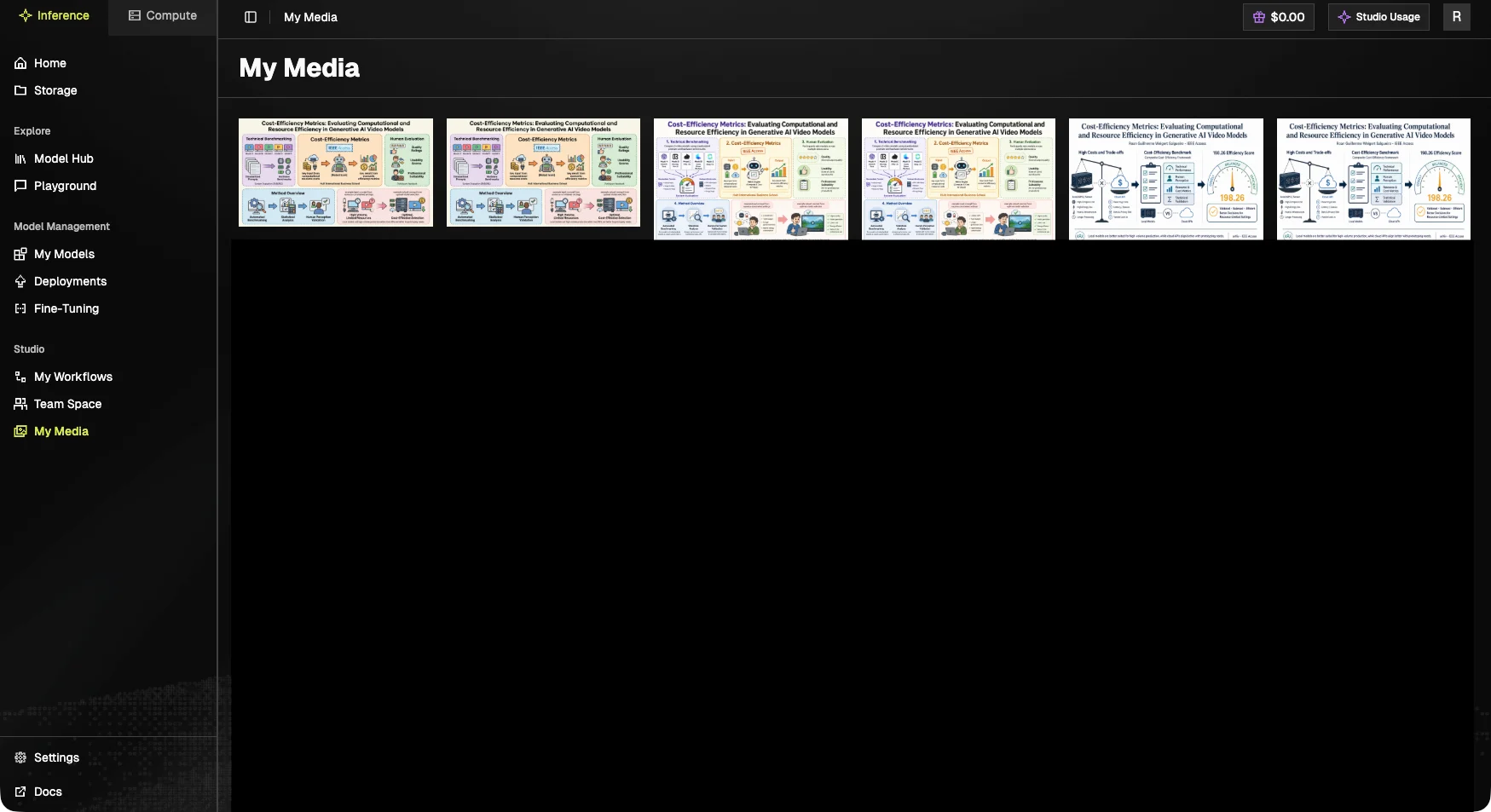
Publishing a workflow
Published workflows show up in the Workflow Gallery, where other users can run them with one click (the node graph is hidden, only required inputs are exposed). Publish from the canvas toolbar when a workflow is ready to share.Next steps
- Build a new workflow: Workflow Canvas.
- Walk through an example: Tutorials.