

Using an agent
- Search the catalog or filter by category.
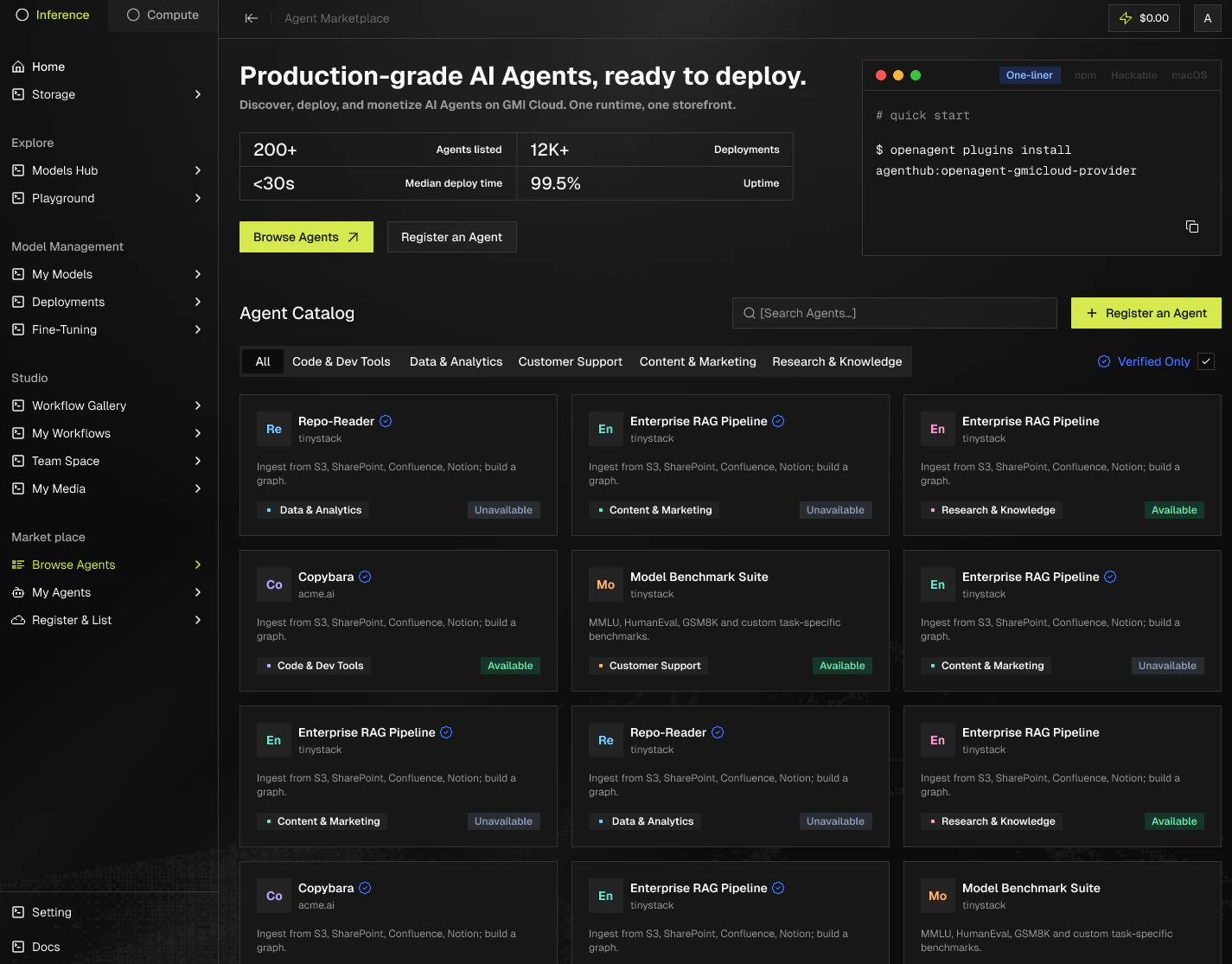
- Open an agent and read its description and infrastructure badges.
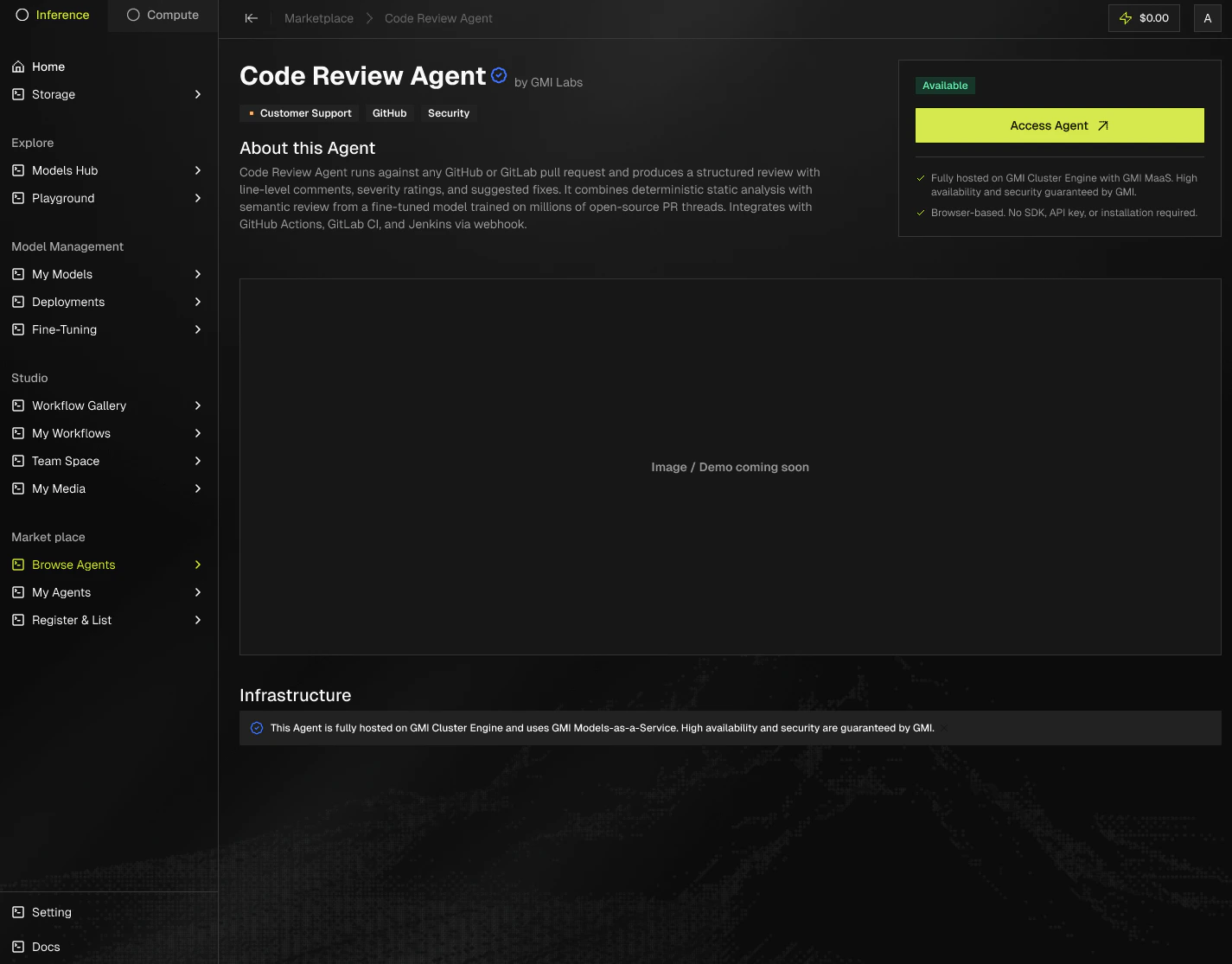
- Click Access agent, or Request Early Access if it’s in beta.
- Sign in with your GMI account. For agents hosted on GMI, usage is billed to your GMI account. If the agent redirects you to its own product website, billing is handled by that agent provider.
Register an agent
- Go to Register an agent in the menu. Pick GMI CE Deployment if you want GMI to host your agent on our infrastructure, or GMI MaaS if you prefer to self-host and use GMI for model inference.
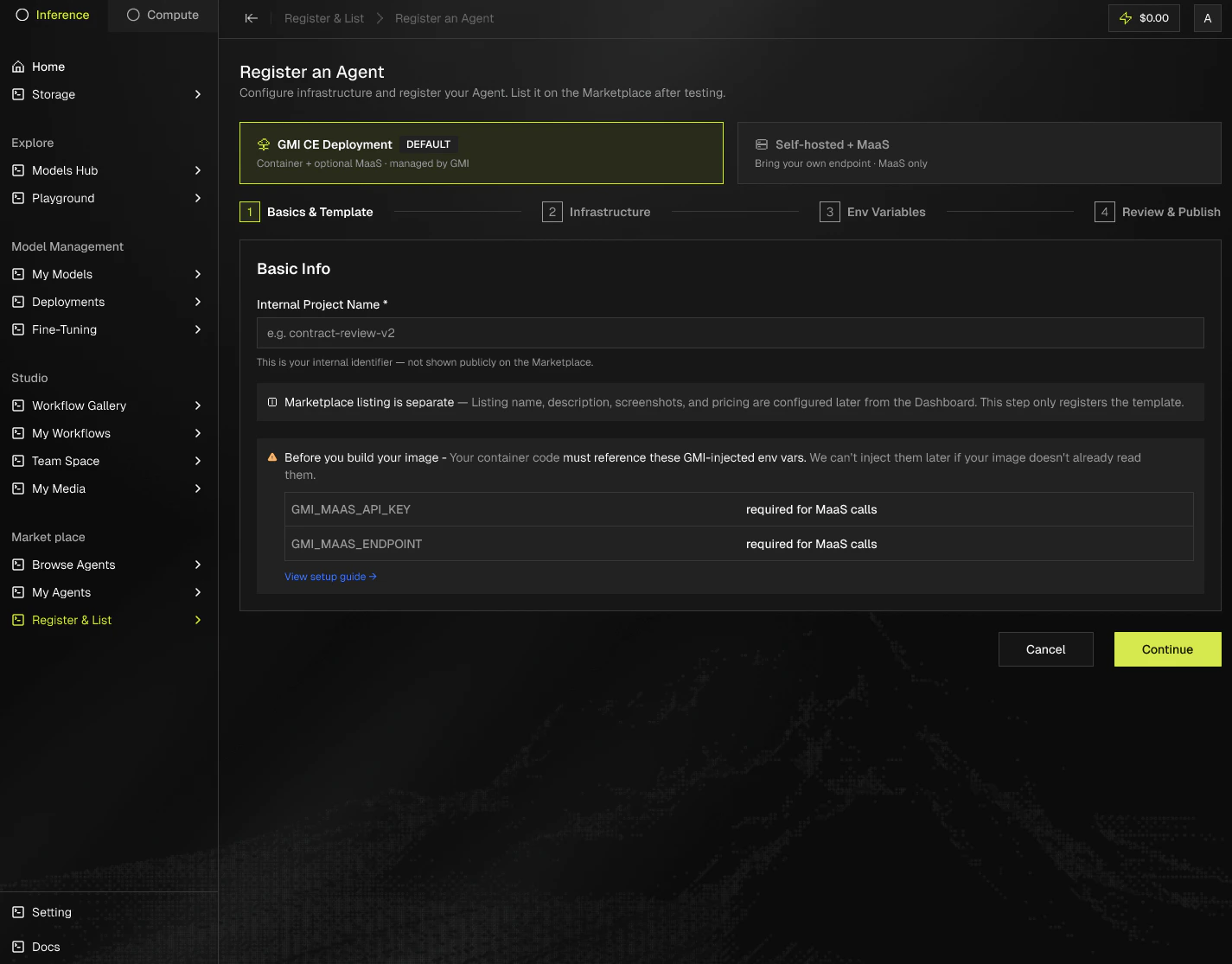
- Open the Deploy Wizard from your GMI dashboard. If you choose an infrastructure region, it builds your container, runs it, and automatically assigns a public URL.
List an agent
- Fill in your agent details.
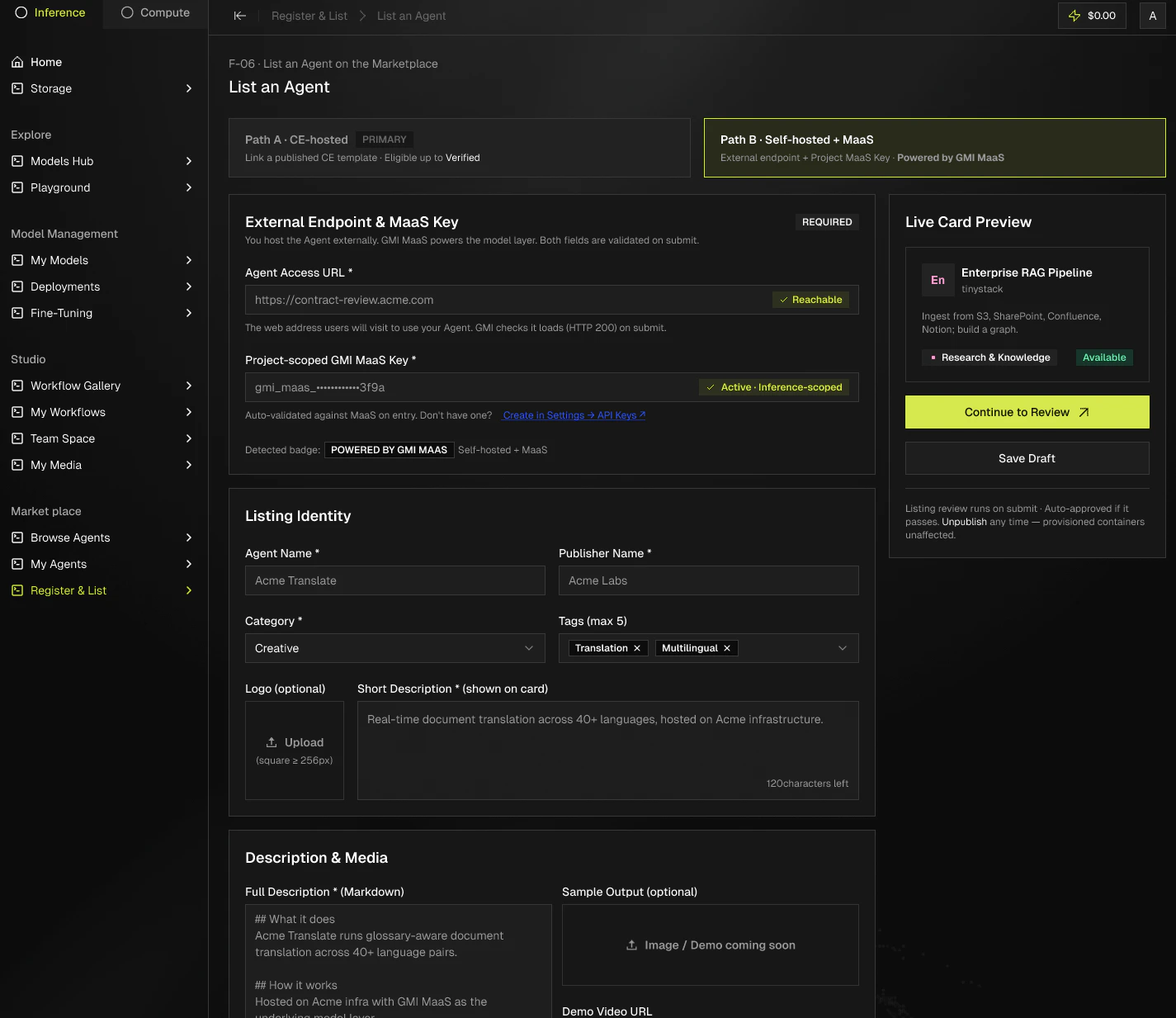
- Submit for review.
What it costs you
Registration is free. Billing starts only when a user provisions an instance of your agent, and stops when the instance stops.
Who runs the agent: trust and badges
The badge on an agent card signals who runs the infrastructure and how the listing was reviewed.


What is an agent?
An agent is a focused AI worker that does one job well. One agent reviews code. Another summarizes PDFs, drafts marketing copy, or answers questions about your support docs. Each agent has a dedicated page on the Marketplace describing what it does, who built it, and how to start using it. Behind every agent sits a model and the application code that turns it into something useful. Both run on GMI Cloud, so you skip the work of provisioning servers, GPUs, and scaling rules.Where to start
- Just browsing? Open the catalog and pick any Verified agent.
- Looking for something specific? Use search with a keyword like “code review” or “OCR”.
- Building? Open the Deploy Wizard from your GMI dashboard and start with the managed path.