

What you can do here
Launch a managed GPU cluster
Production-ready Kubernetes clusters with H200 or B200 nodes, provisioned and operated by GMI.
Run a container workload
Spin up single containers from a template (vLLM, SGLang, JupyterLab, custom images) on demand.
Request a bare-metal server
Dedicated hosts when you need full OS access, custom drivers, or persistent local NVMe.
Attach networking
Configure firewalls and Elastic IPs for any compute resource you provision.
How requests work
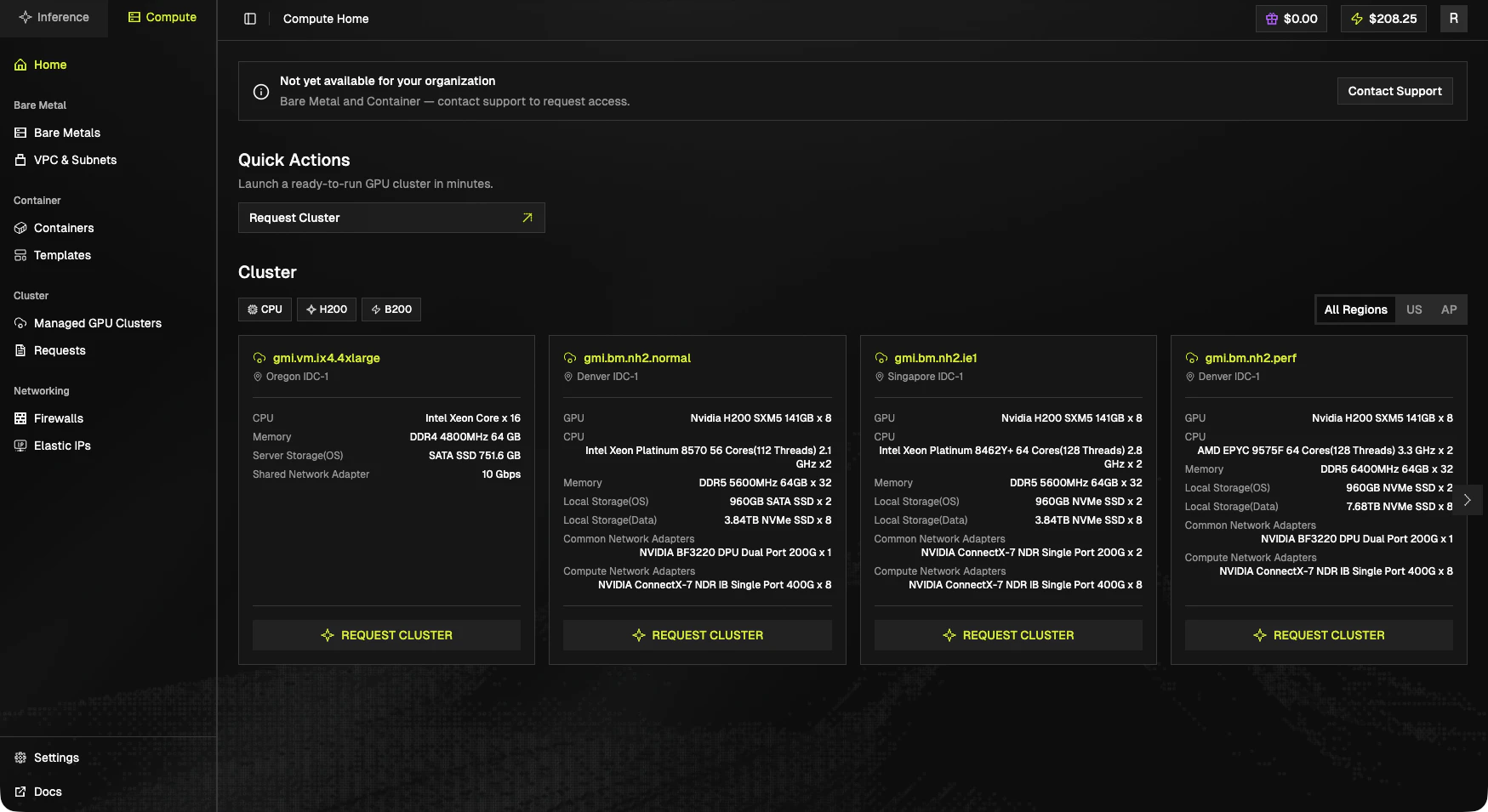
- Browse the cluster catalog in the console. Each card lists the SKU, region, and full hardware spec.
- Click Request Cluster on the card you want. The form is pre-filled with that SKU and region.
- GMI support reviews the request and provisions the resources.
- Once ready, the cluster appears under Managed GPU Clusters and you can start using it.