https://console.gmicloud.ai/user-console/ce/bare-metals
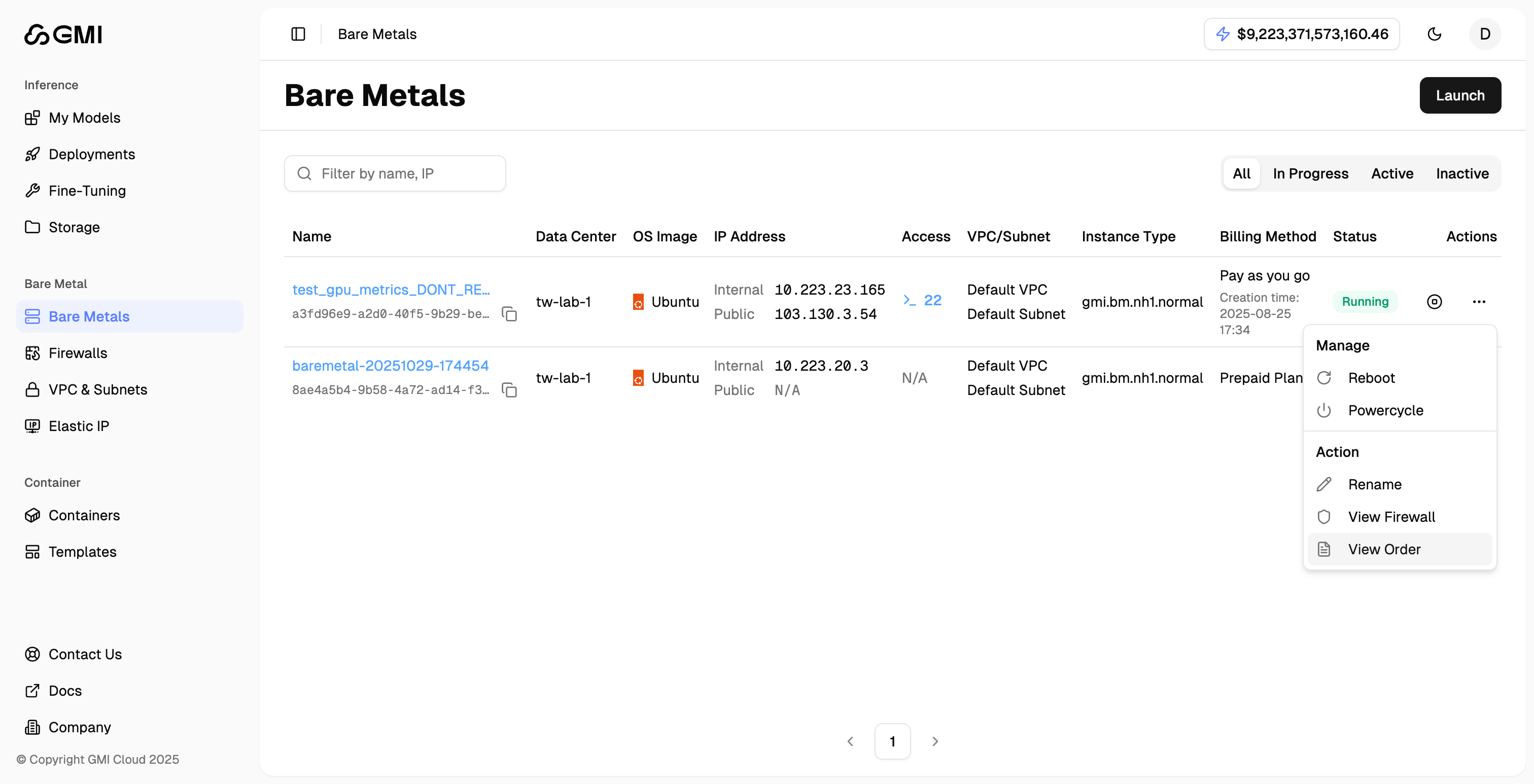
The Bare Metals page lists provisioned bare-metal servers attached to your organization. Access is gated by product entitlement.
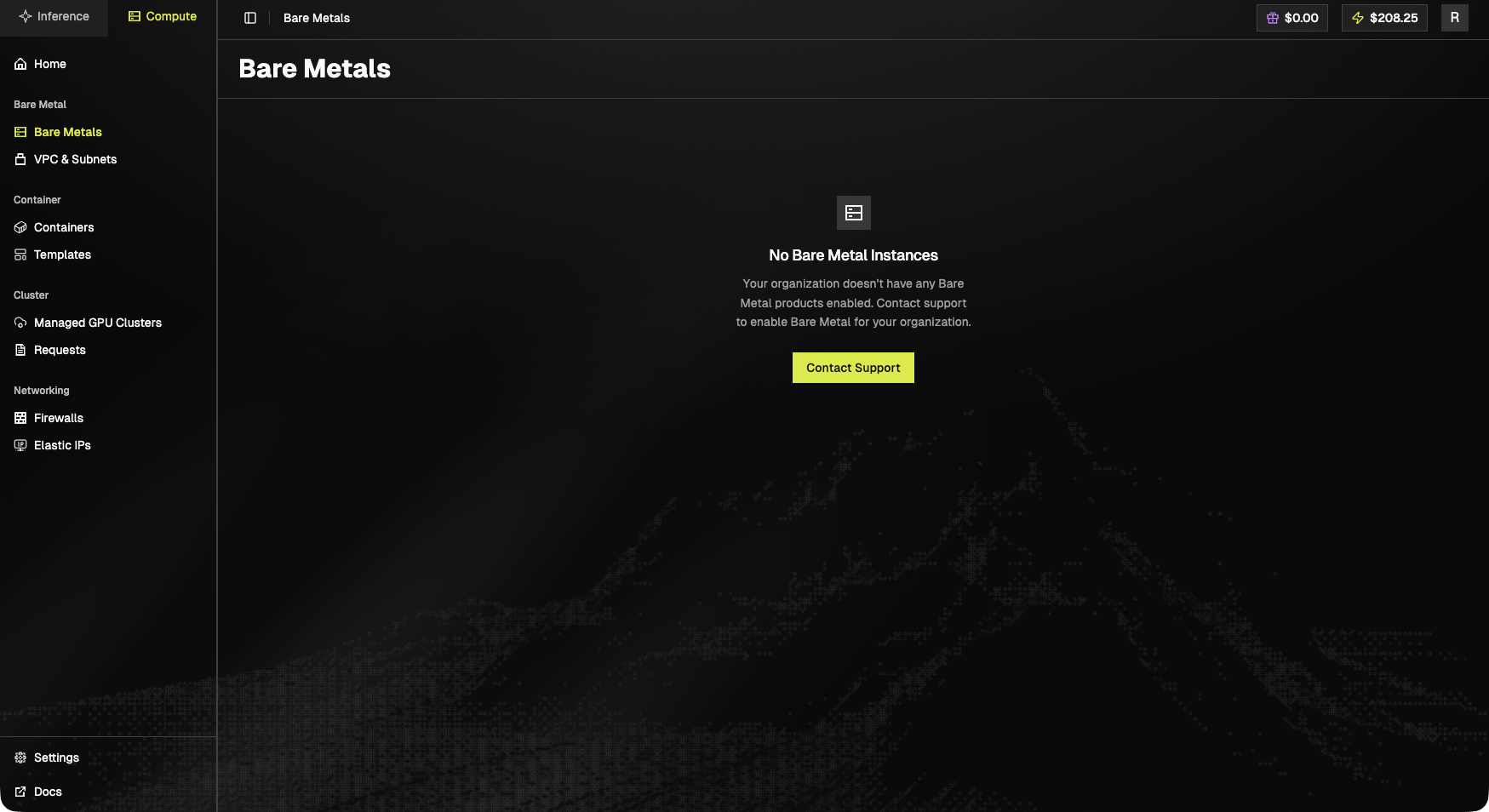
Gated state
If your organization hasn’t been enabled for Bare Metal yet:No Bare Metal Instances. Your organization doesn’t have any Bare Metal products enabled. Contact support to enable Bare Metal for your organization.A Contact Support button is shown.
Enabled state
When populated, the page shows a table of provisioned instances with name, region / IDC, GPU type, status, IP, and per-instance actions (power, console, delete).Manage Bare Metal Servers
- Click “Bare Metals” in the left sidebar under the “Bare Metal” section
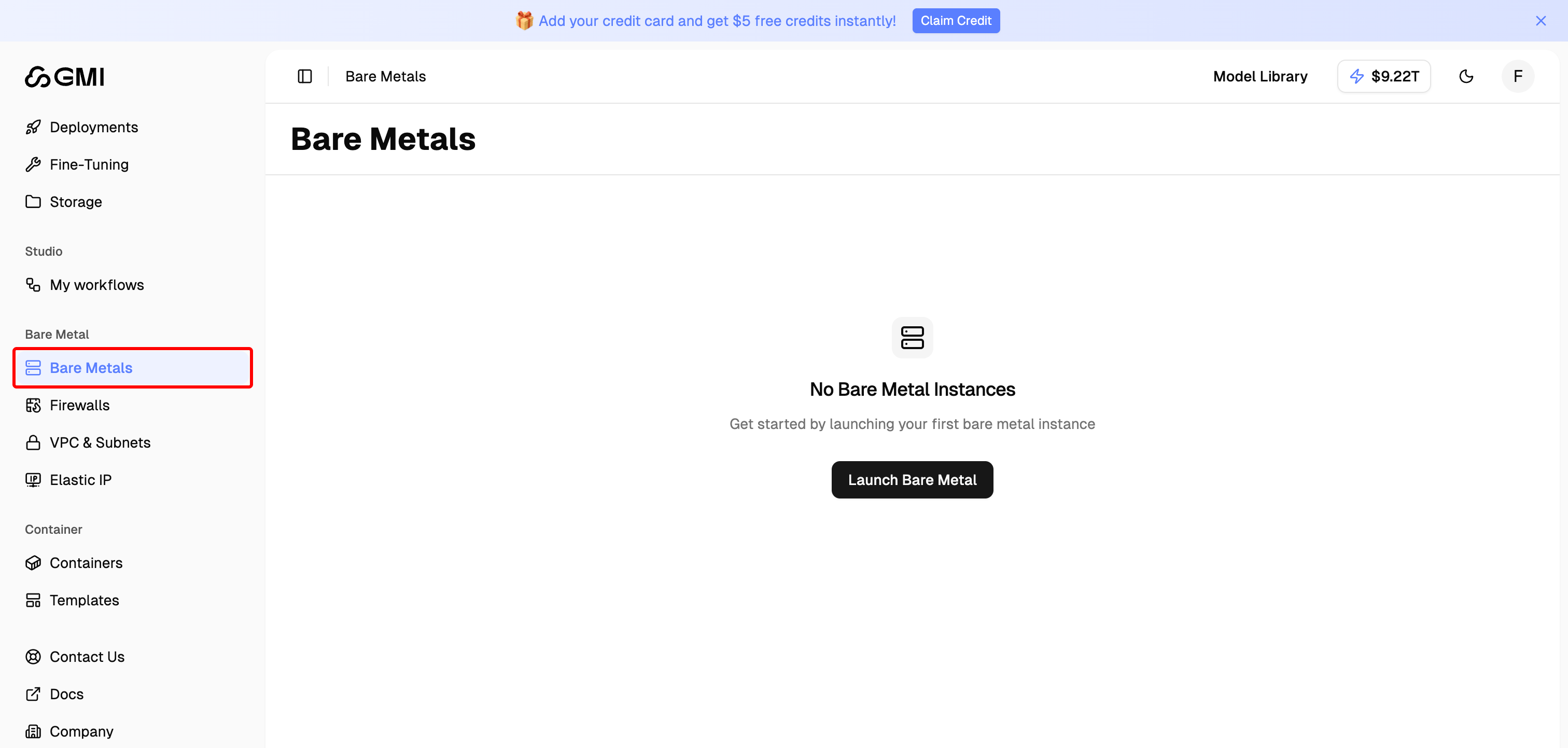
- You will see all launched bare metal servers in the Bare Metals page
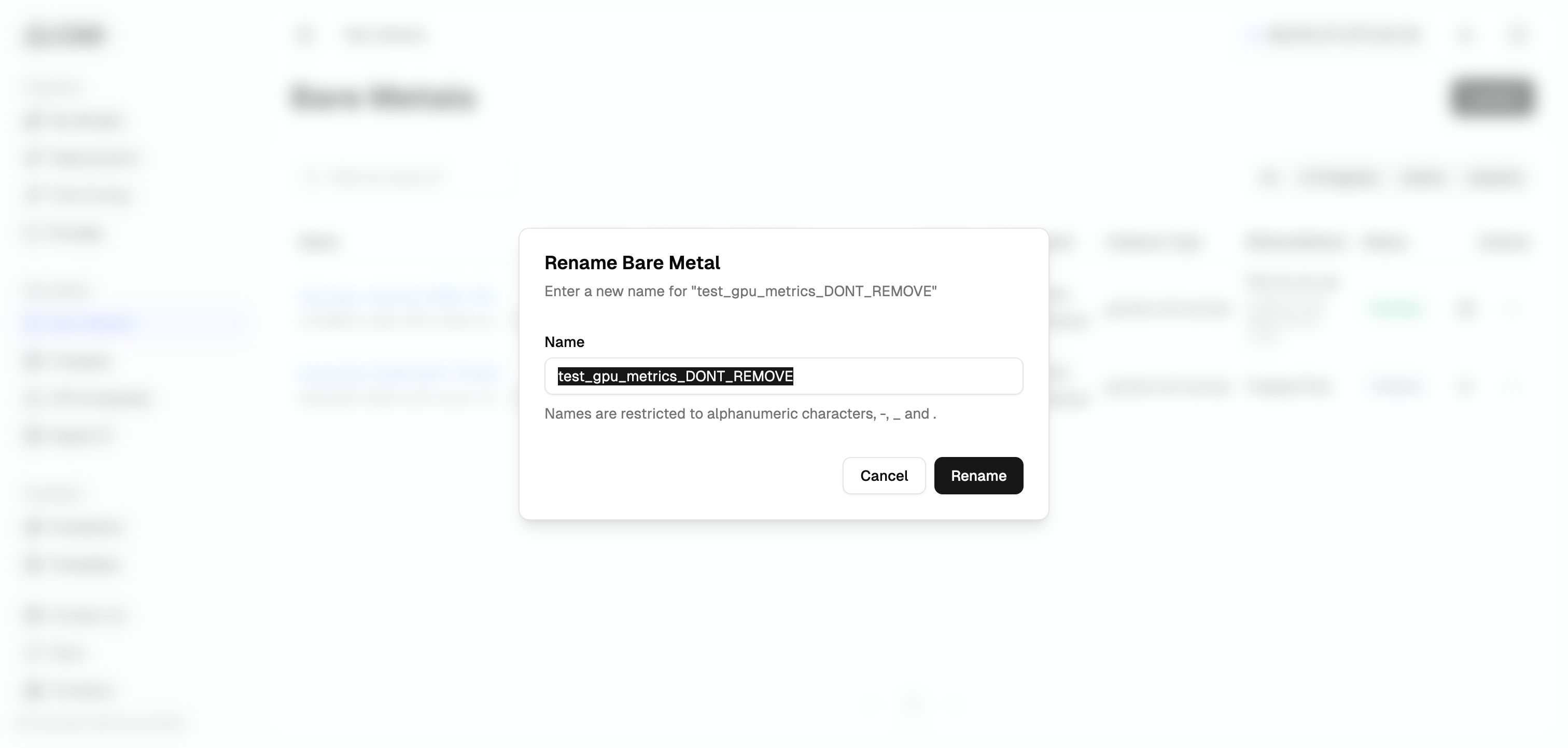
Rename a bare metal server
- Locate the bare metal server you want to rename
- Click the “More actions” button (three dots icon)
- Select “Rename” from the dropdown menu
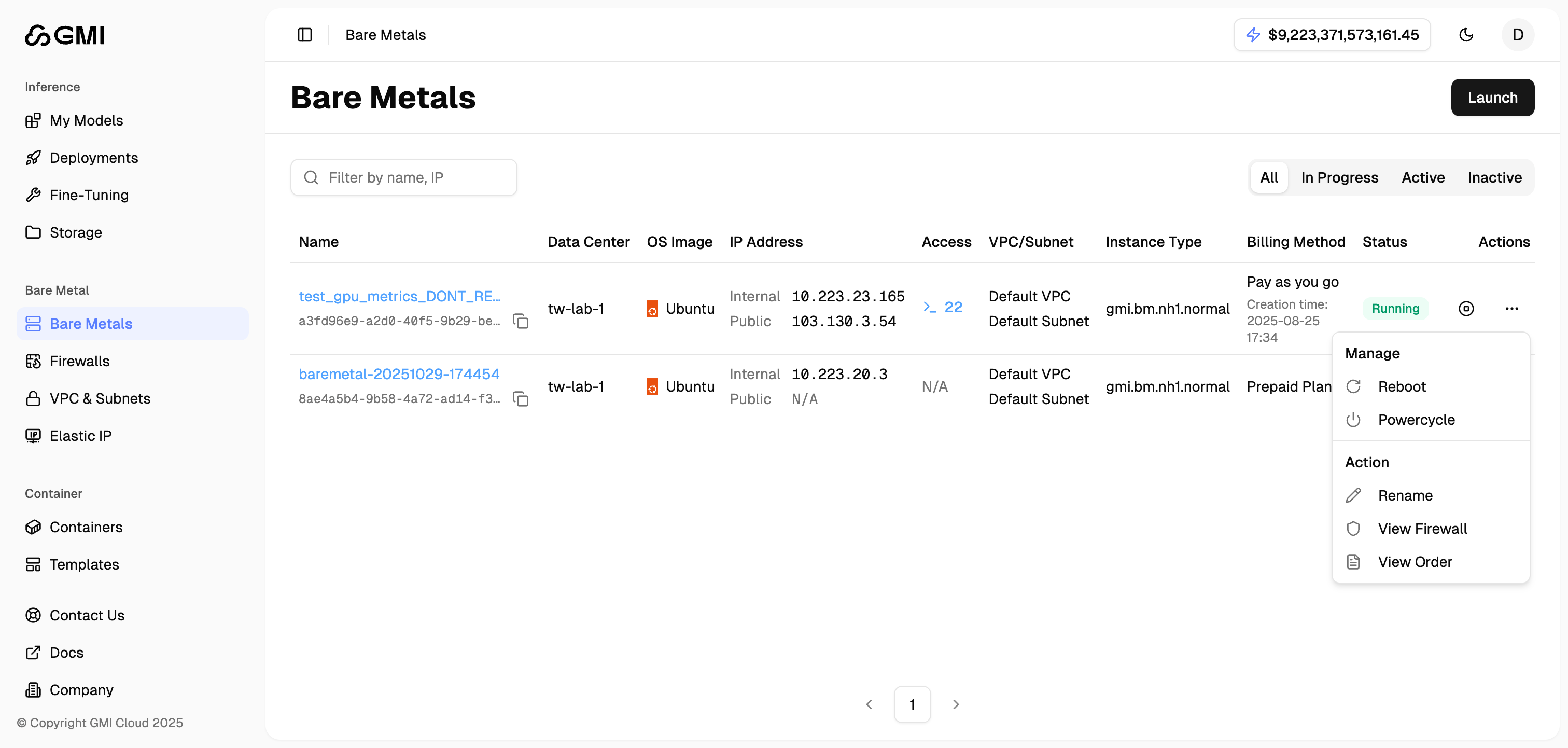
- Enter a new name and click “Submit”
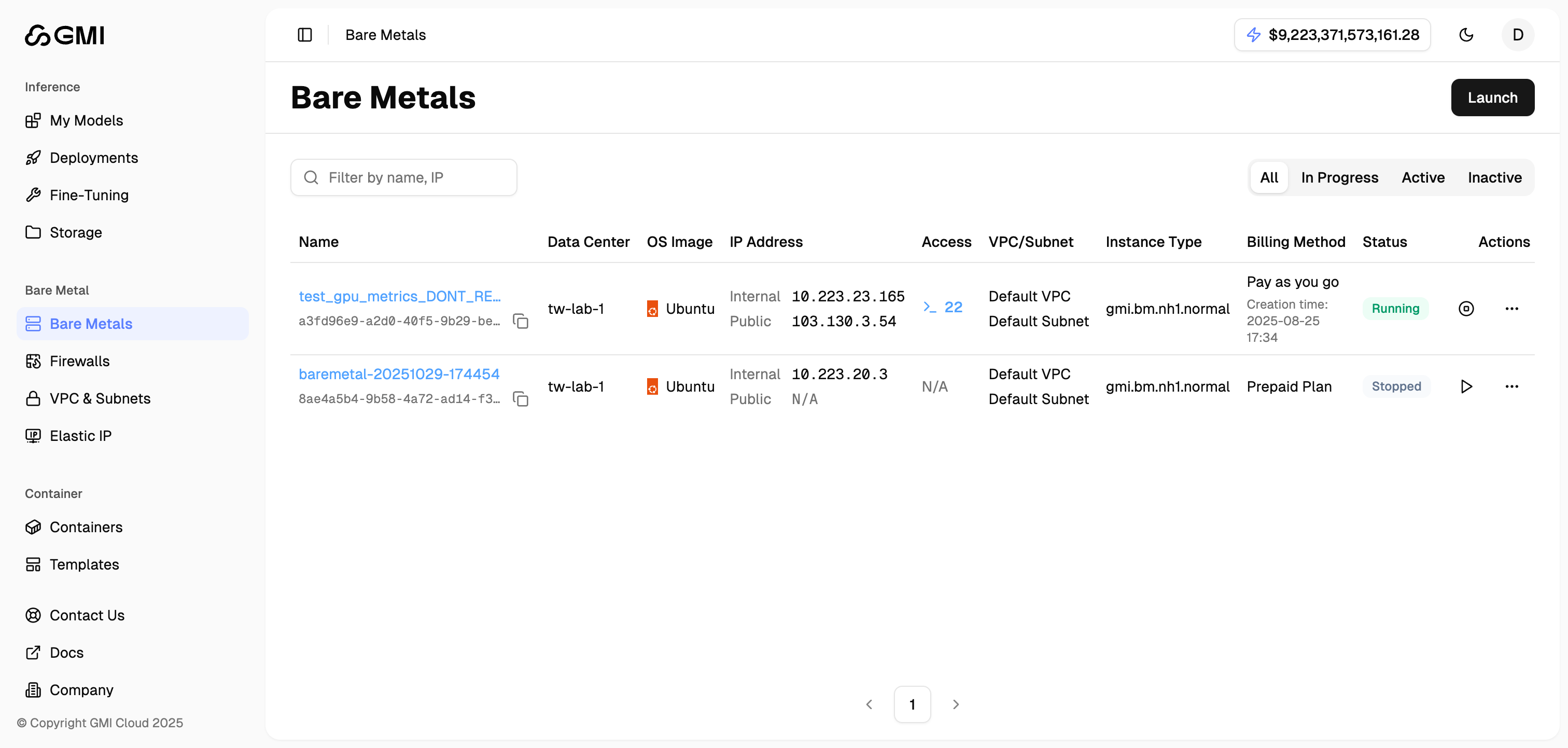
Stop a running bare metal server
- Locate the bare metal server you want to stop
- Click the “Stop” icon button
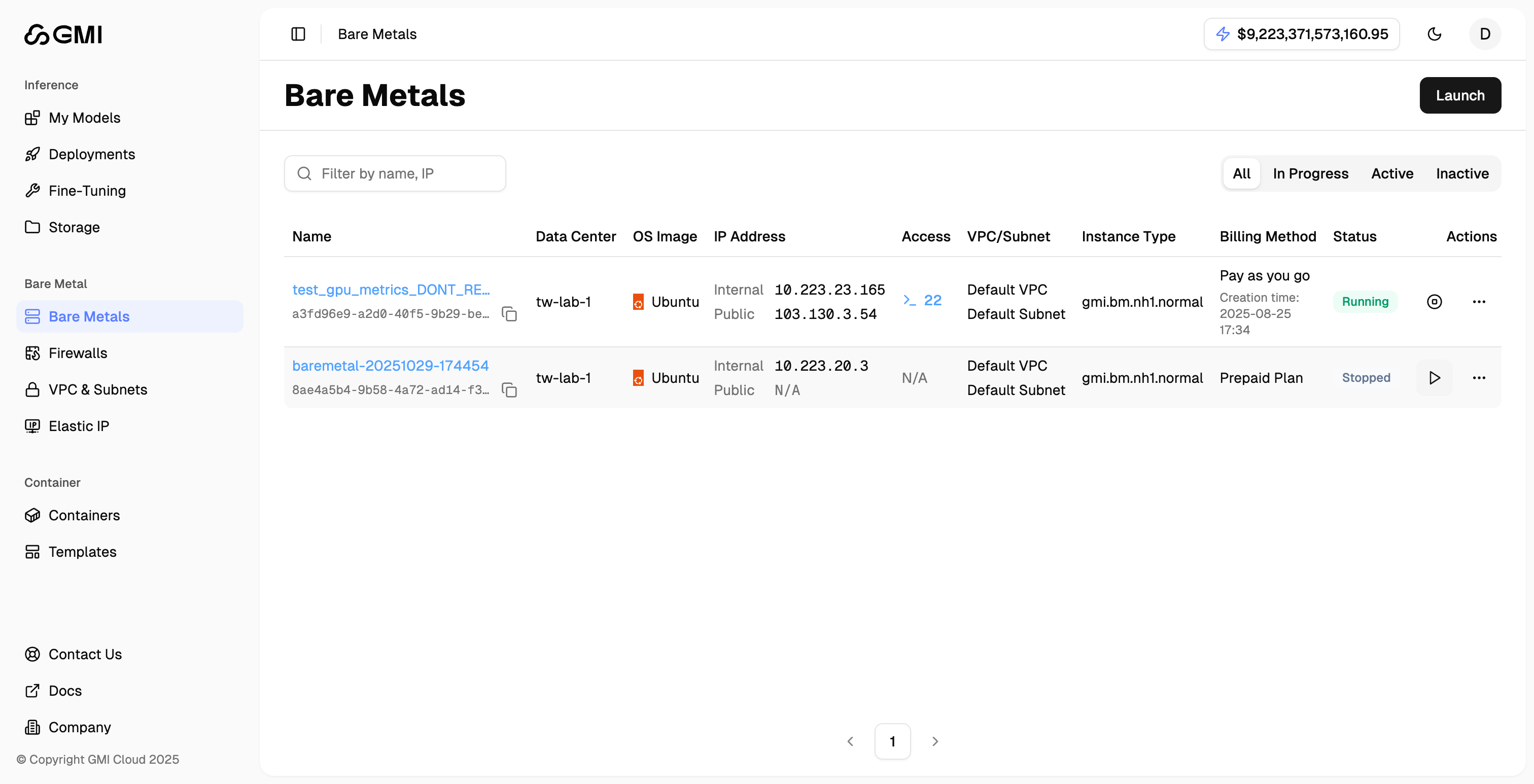
Start a stopped bare metal server
- Locate the bare metal server you want to start
- Click the “Start” icon button
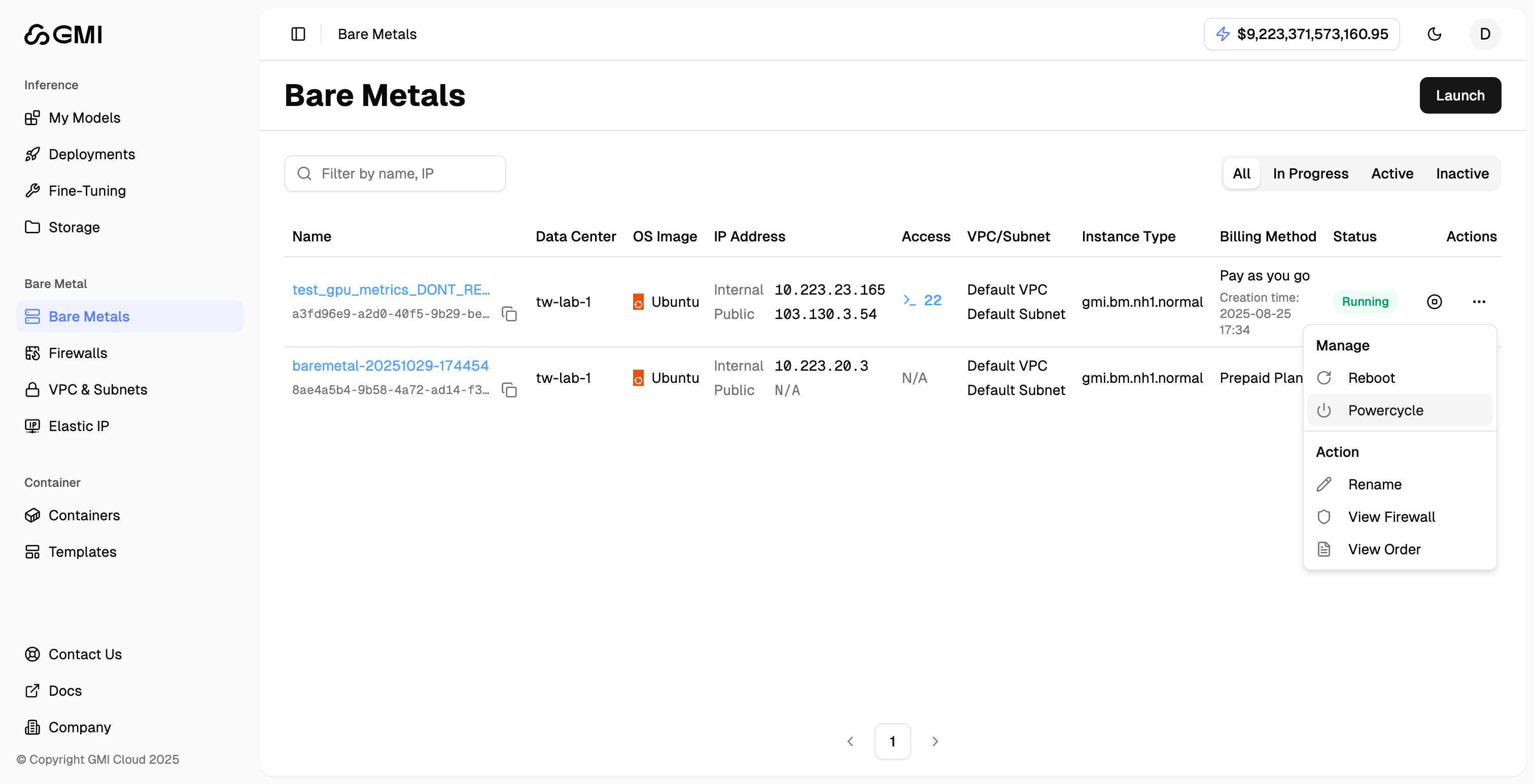
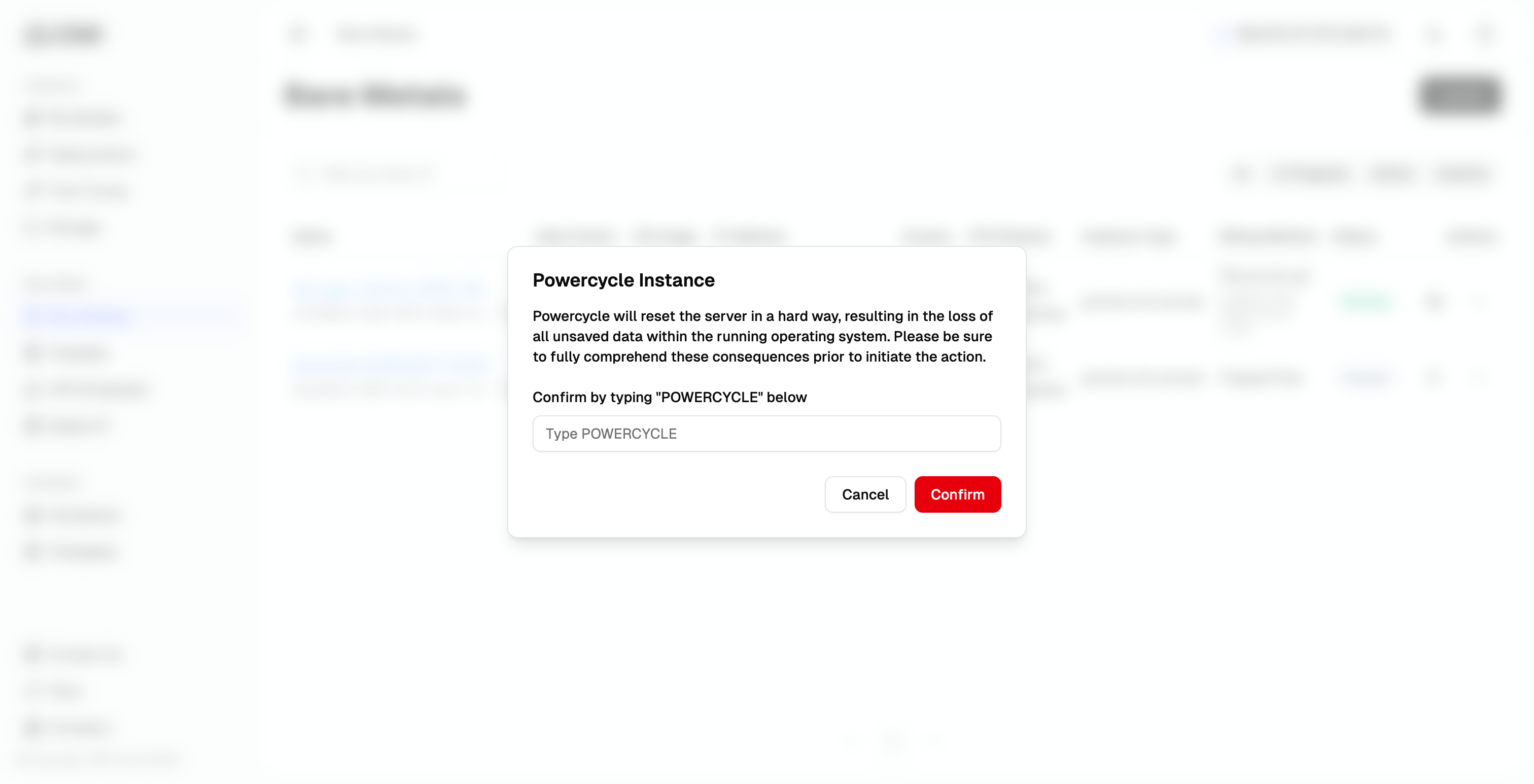
PowerCycle a bare metal server
- Locate the bare metal server you want to perform power cycle
- Click the “More actions” button (three dots icon)
- Select “PowerCycle” from the dropdown menu
- Enter the confirmation text as shown in the dialog
- Click “Confirm” to proceed
Reboot a bare metal server
- Locate the bare metal server you want to reboot
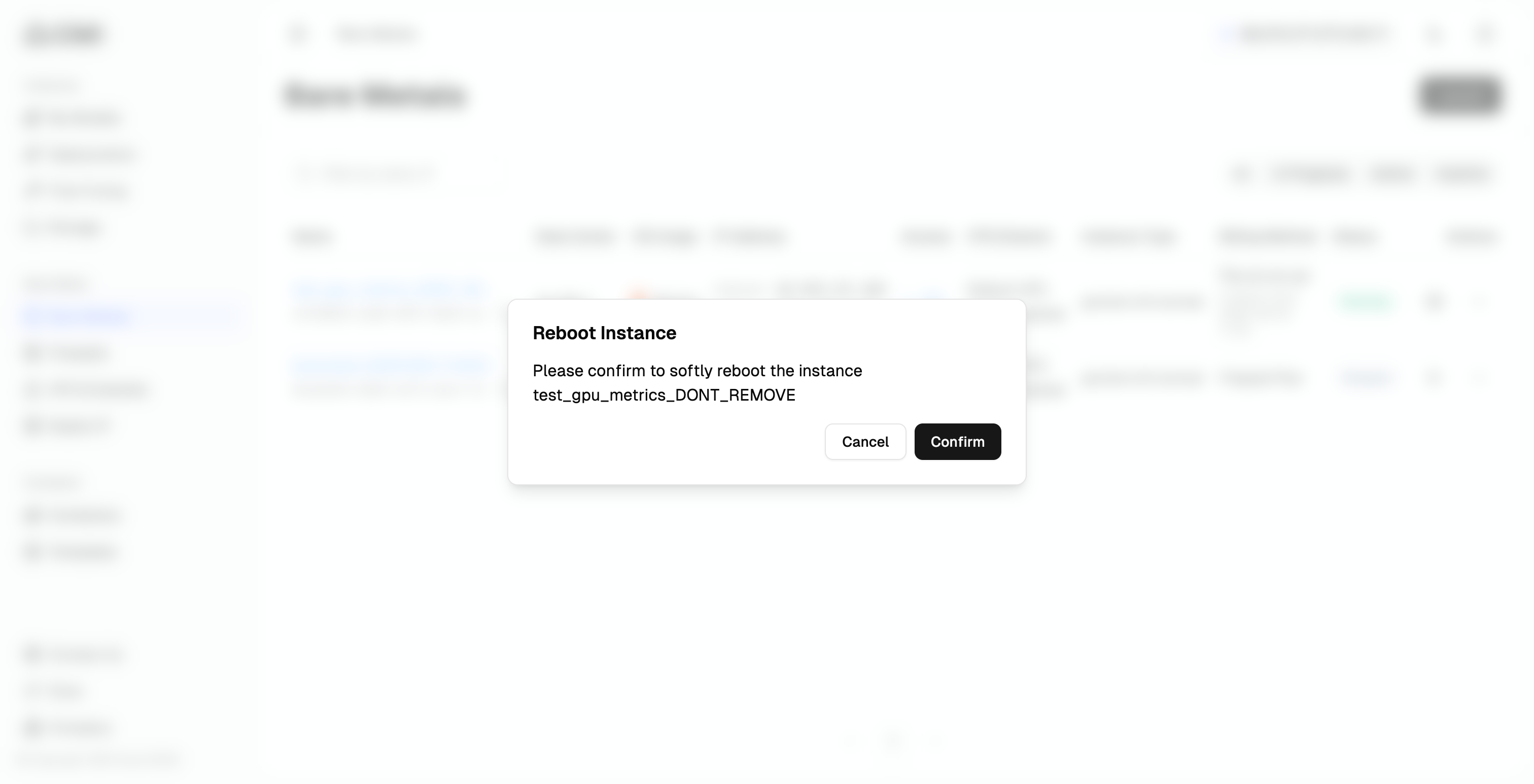
- Click the “More actions” button (three dots icon)
- Select “Reboot” from the dropdown menu
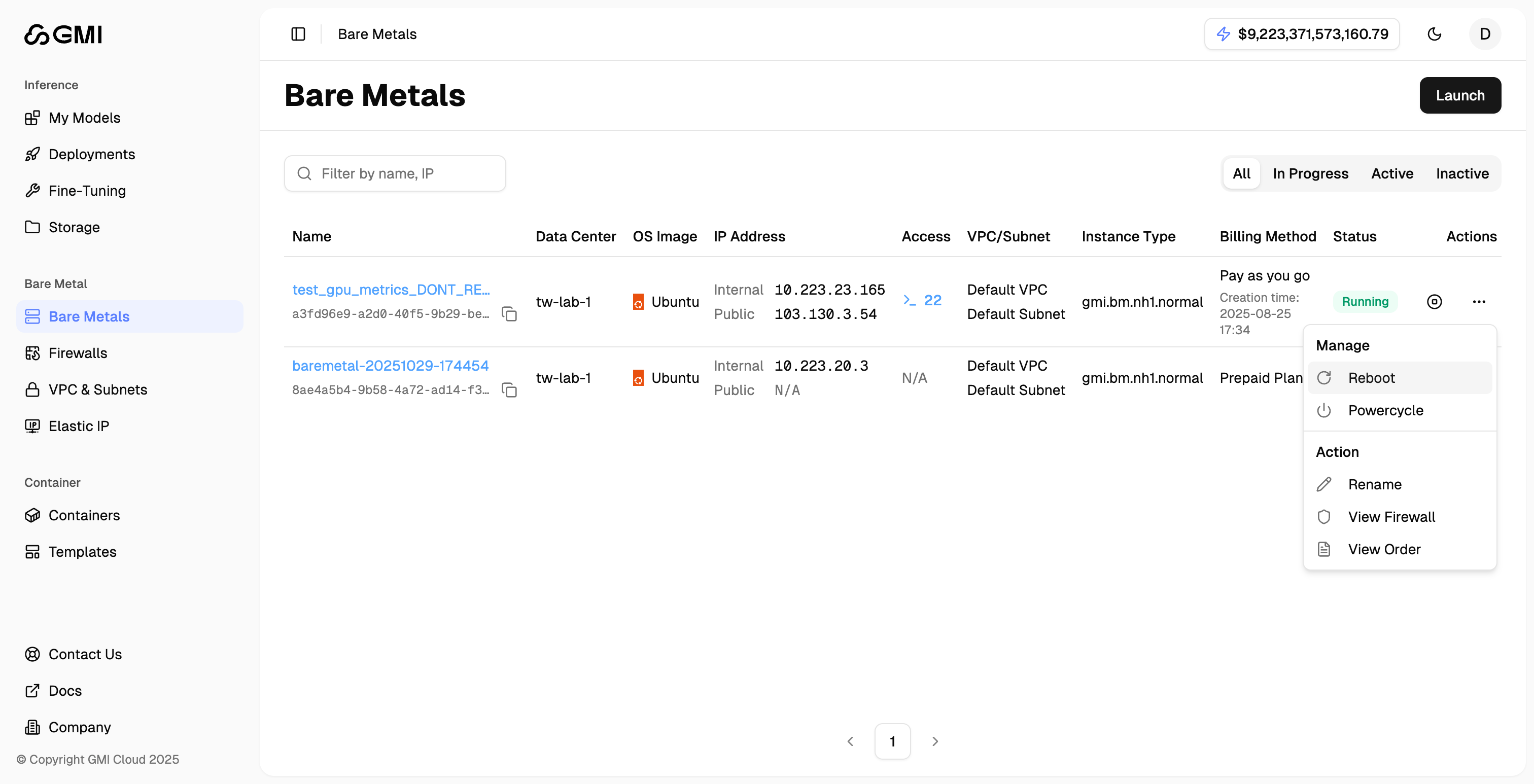
- Click “Reboot” to confirm
View Firewall settings
- Locate the bare metal server
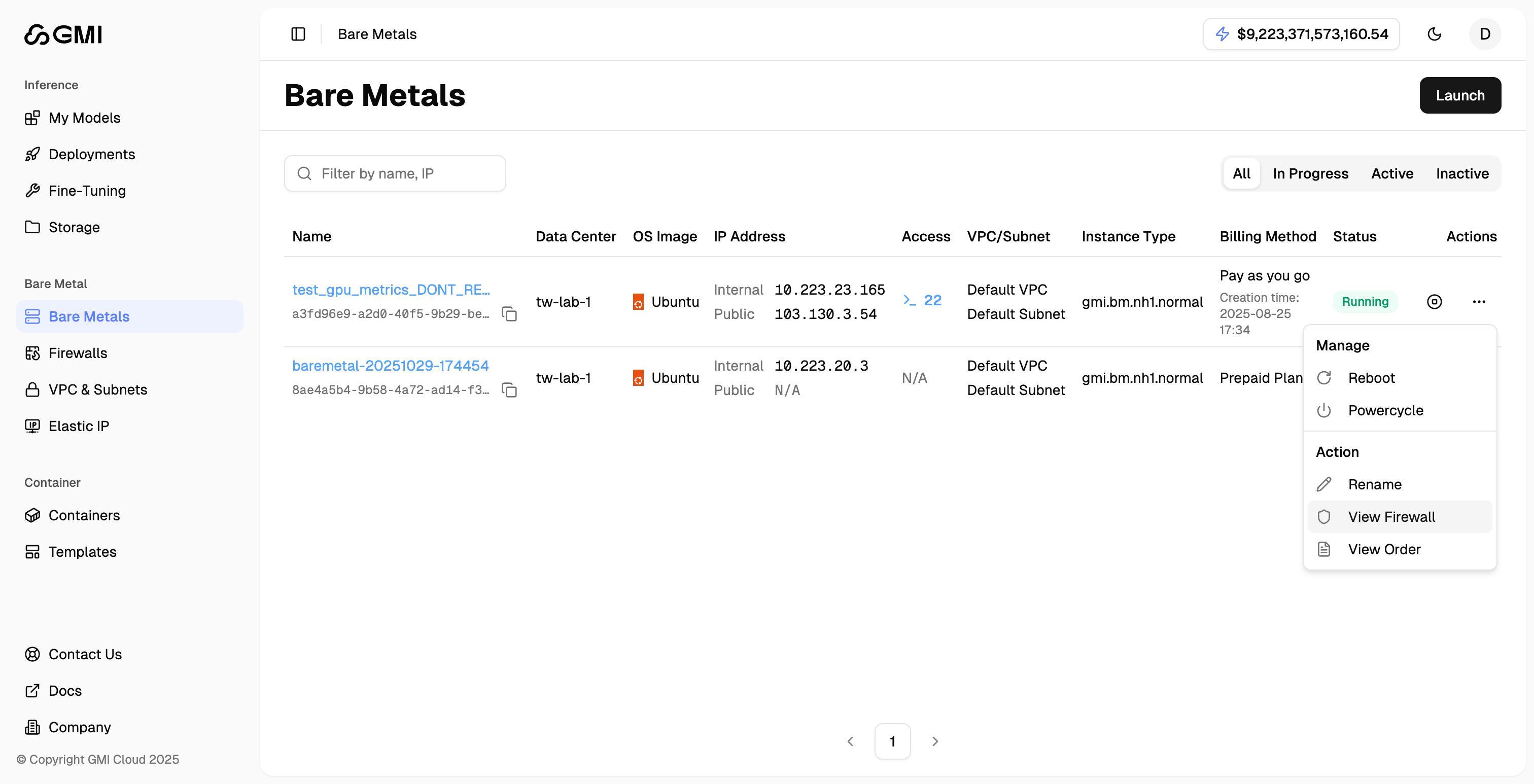
- Click the “More actions” button (three dots icon)
- Select “View Firewall” from the dropdown menu to navigate to the Firewall management page
View associated order
- Locate the bare metal server
- Click the “More actions” button (three dots icon)
- Select “View Order” from the dropdown menu to see the associated order details