

https://console.gmicloud.ai/user-console/ce/managed-clusters/requests
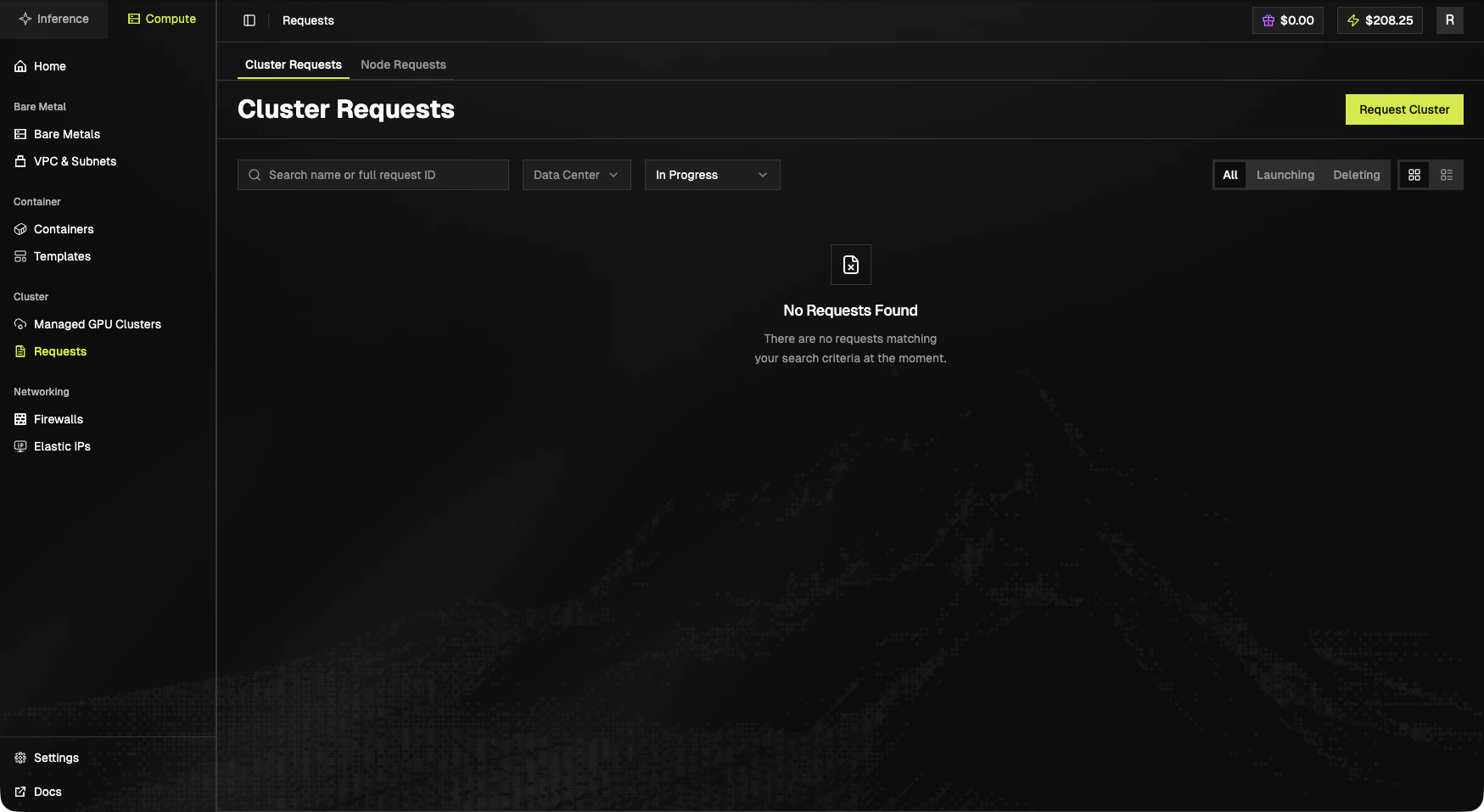
Sub-tabs
- Cluster Requests: requests for whole clusters.
- Node Requests: requests for additional nodes against an existing cluster.
Toolbar
- Search by name or full request ID.
- Data Center filter.
- Status select (e.g.
In Progress). - Status pills: All, Launching, Deleting.
- Grid / table view toggle.
- Request Cluster (top-right).
Submit a new request
The Request Cluster button (here and on the Compute Home catalog cards) routes to:?product=<sku>&idc=<region> pre-fill the form from a catalog card.
Empty state
No Requests Found There are no requests matching your search criteria at the moment.
Next steps
- See provisioned clusters: Managed GPU Clusters.
- Browse the SKU catalog on the Compute Home.