https://console.gmicloud.ai/user-console/ce/vpcs
Virtual Private Clouds (VPCs) provide isolated network environments for your bare metal servers. Each VPC contains one or more subnets that define the IP address ranges for your resources.
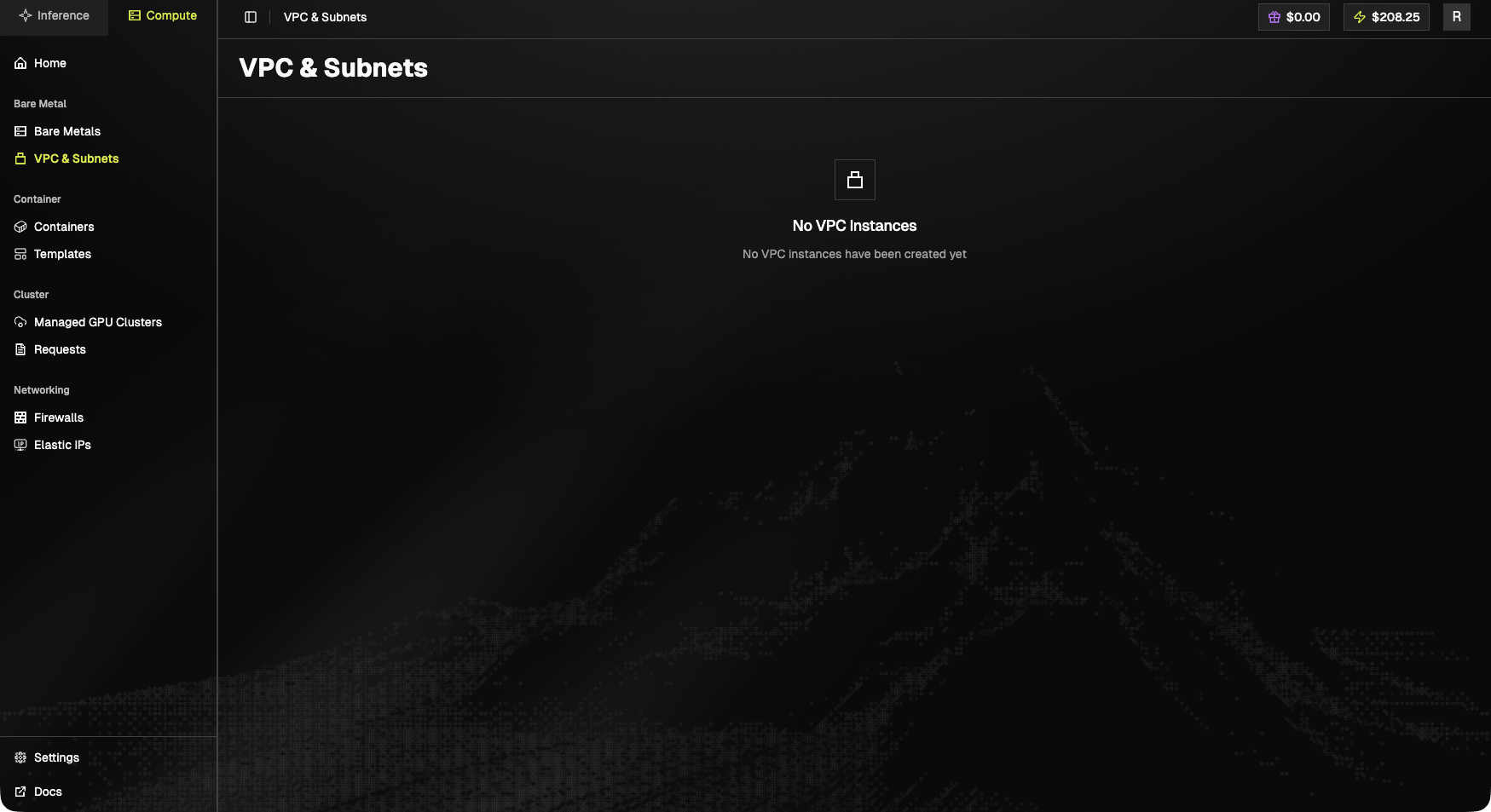
Empty state
No VPC Instances. No VPC instances have been created yet.When populated, the page lists each VPC with its CIDR block, subnets, and the count of attached resources.
Access VPC & Subnets
- Click “VPC & Subnets” in the left sidebar under the “Bare Metal” section
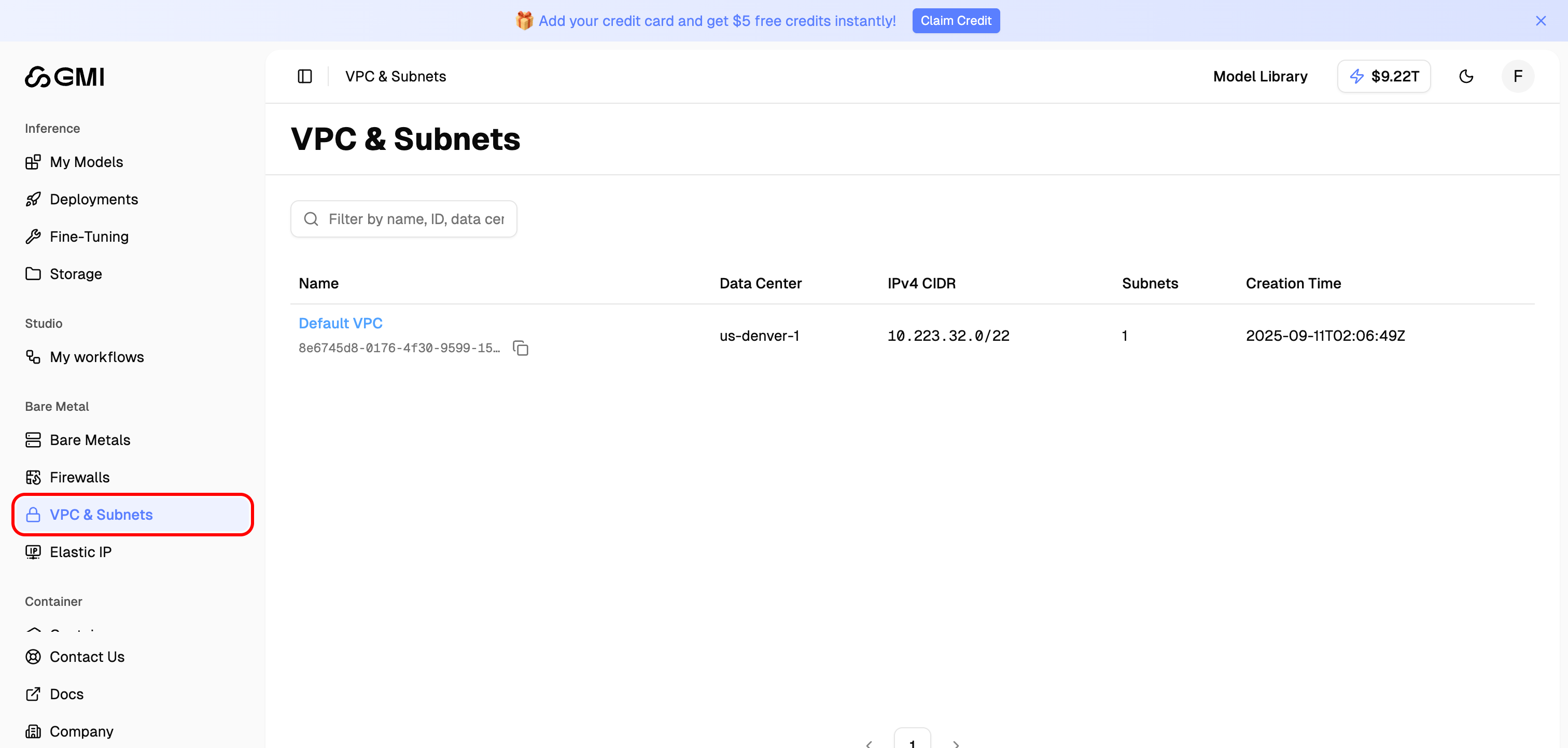
- You will see the VPC list page showing all your VPCs
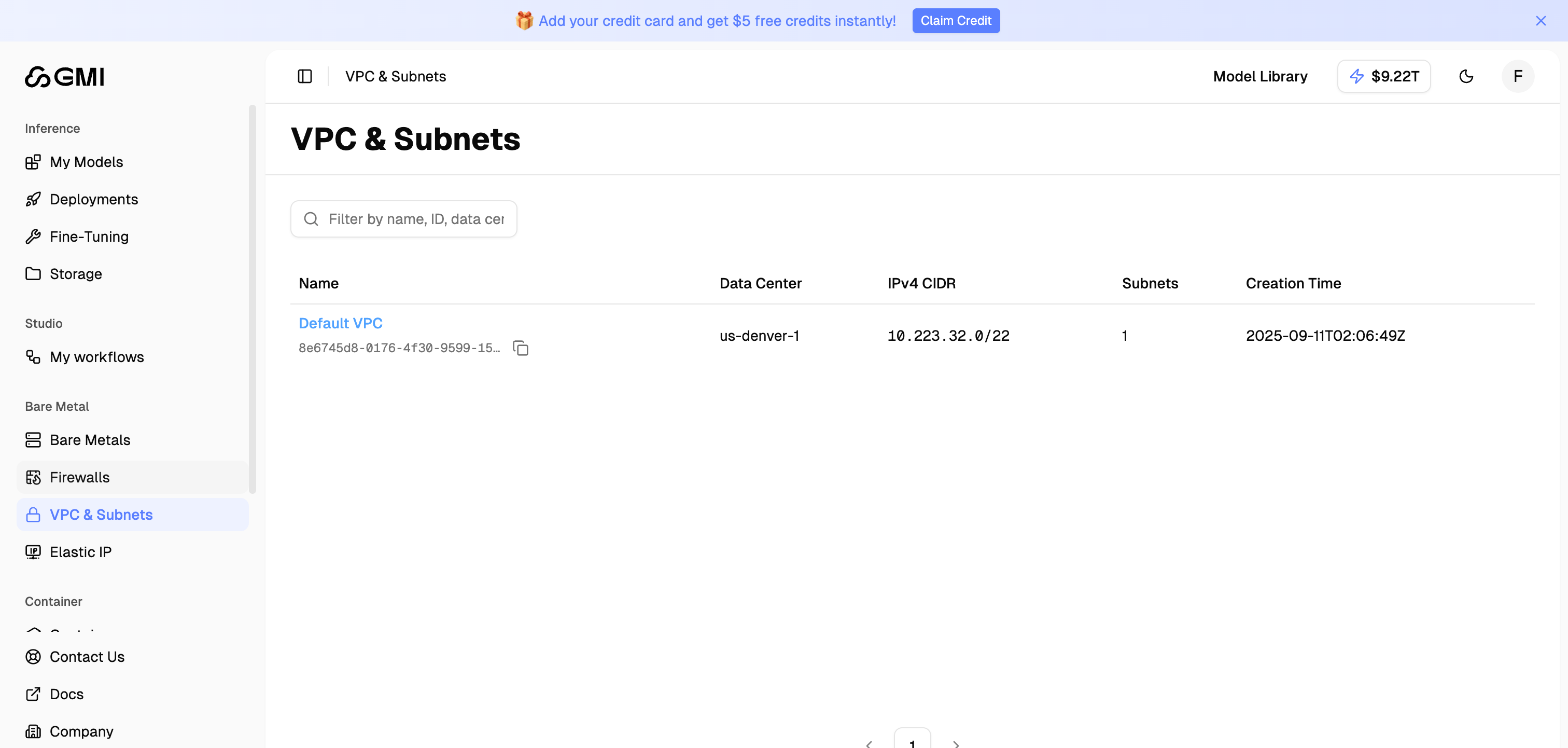
VPC List
The VPC list displays the following information for each VPC:
Use the filter box to search VPCs by name, ID, data center, or CIDR.
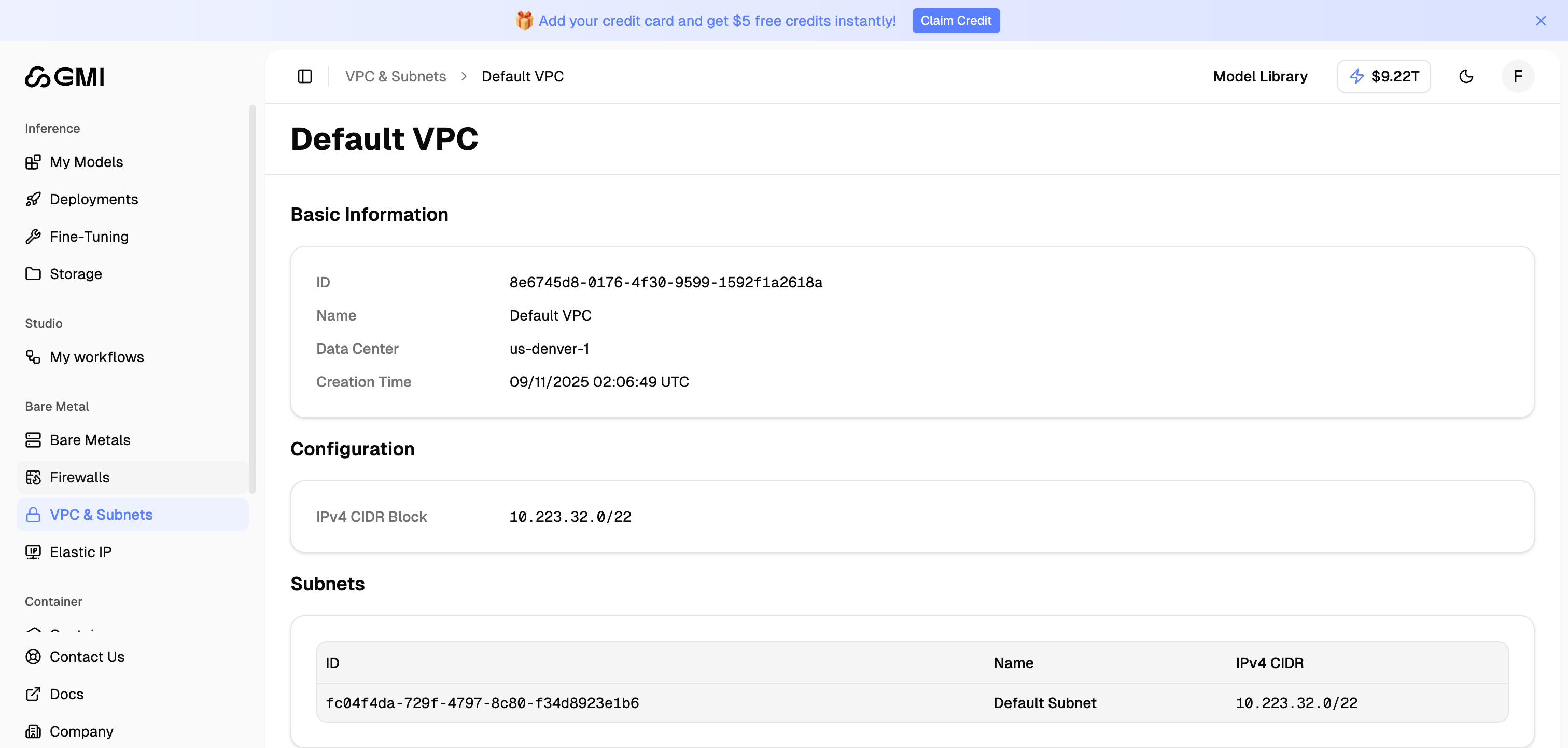
Default VPC
Each data center comes with a Default VPC that is automatically created for your organization. The Default VPC includes:- A pre-configured IPv4 CIDR block
- A Default Subnet covering the entire VPC range
View VPC Details
Click on a VPC name to view its details: