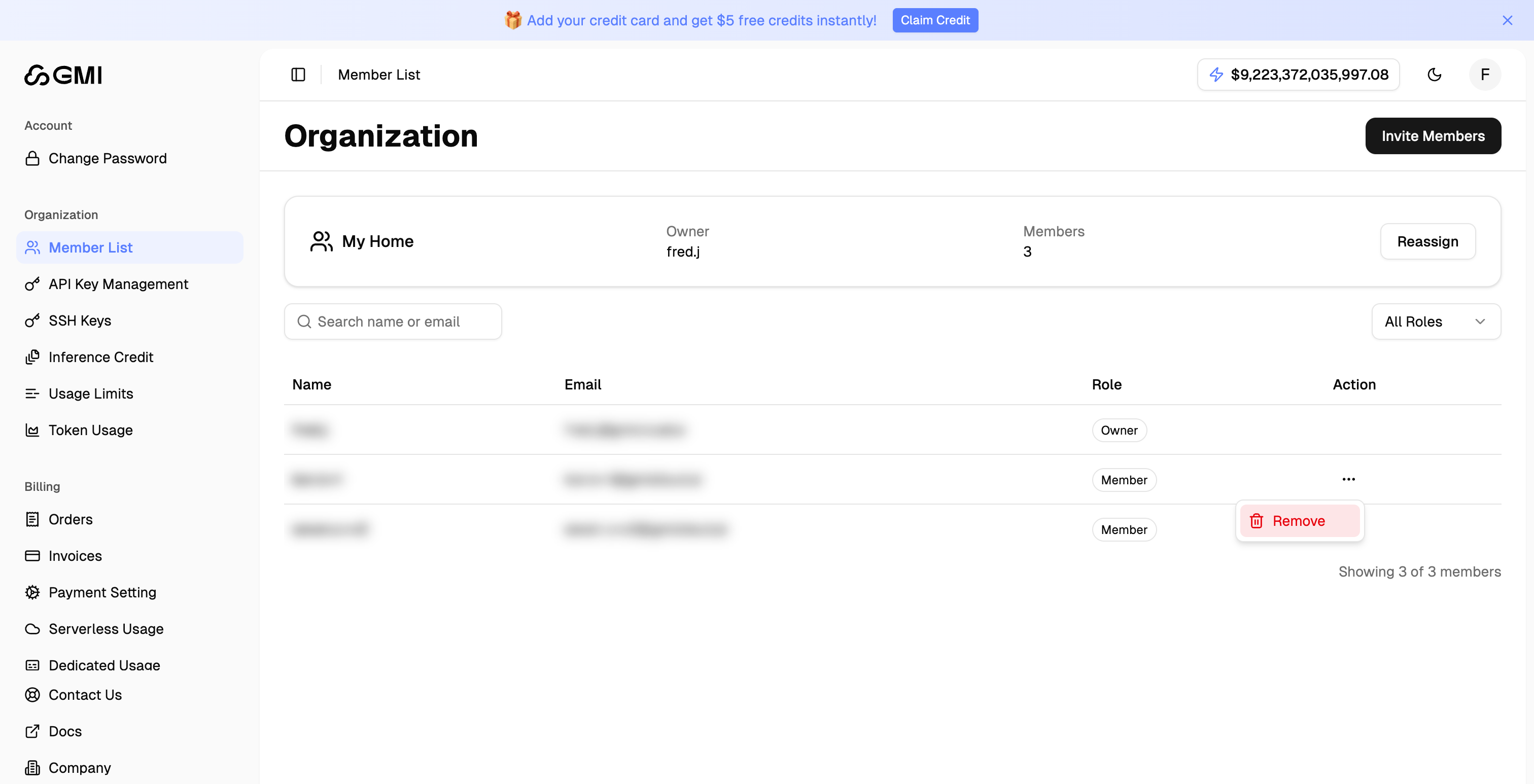
Member List
- Click your avatar in the top right corner
- Select “Settings” from the dropdown menu

- Click “Member List” in the left sidebar to view all organization members
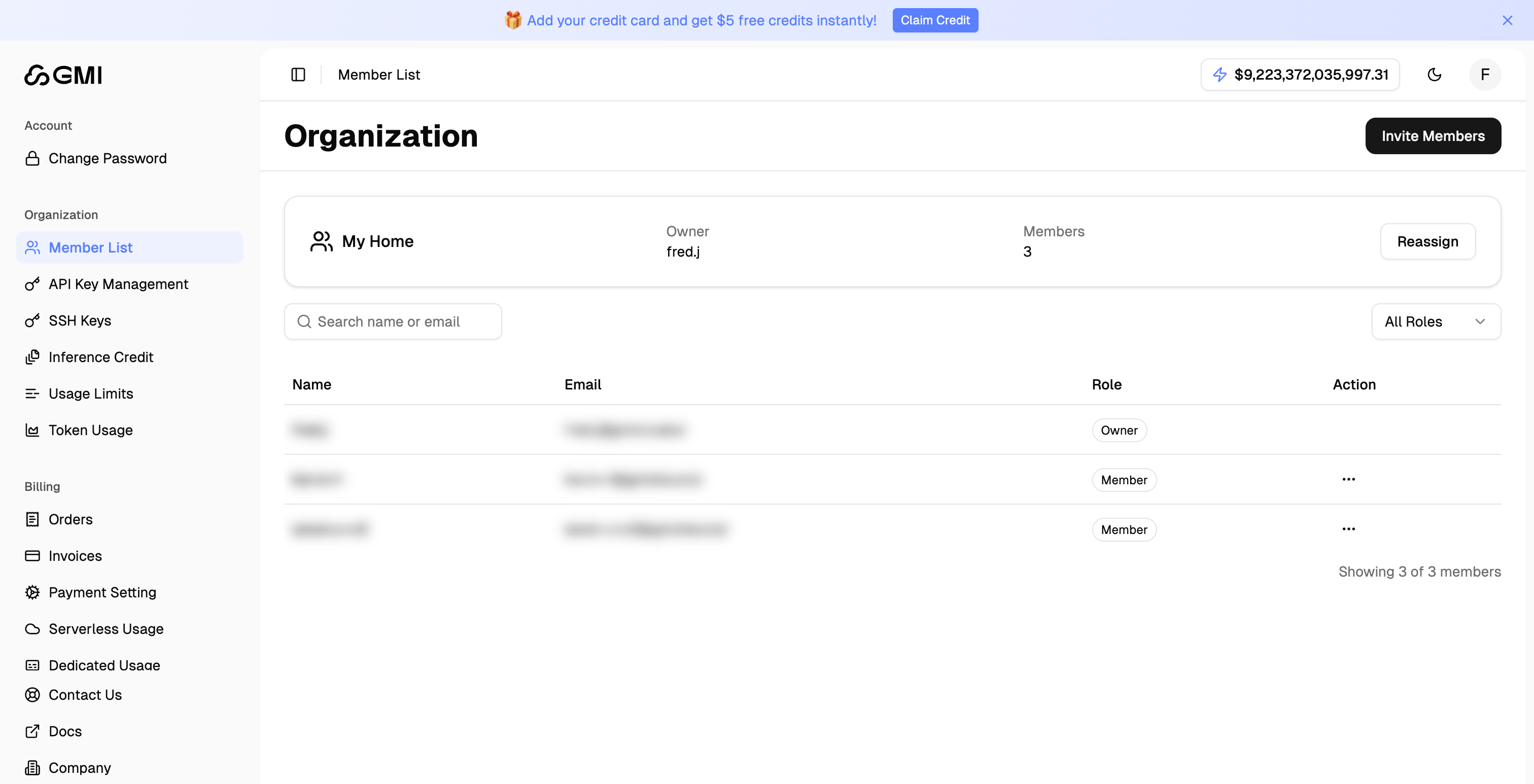
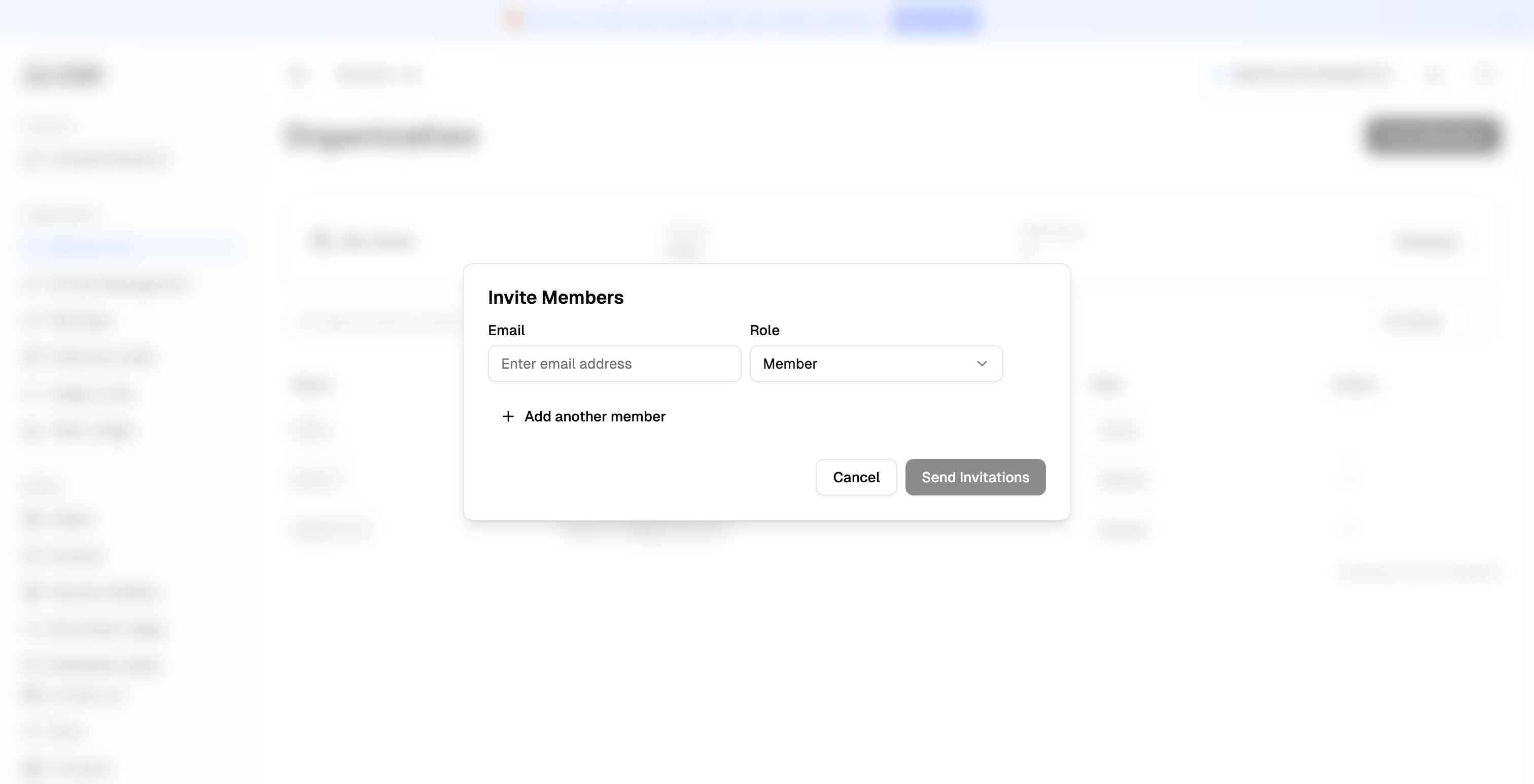
Invite Members
- Click the “Invite Members” button to invite members to your organization by email
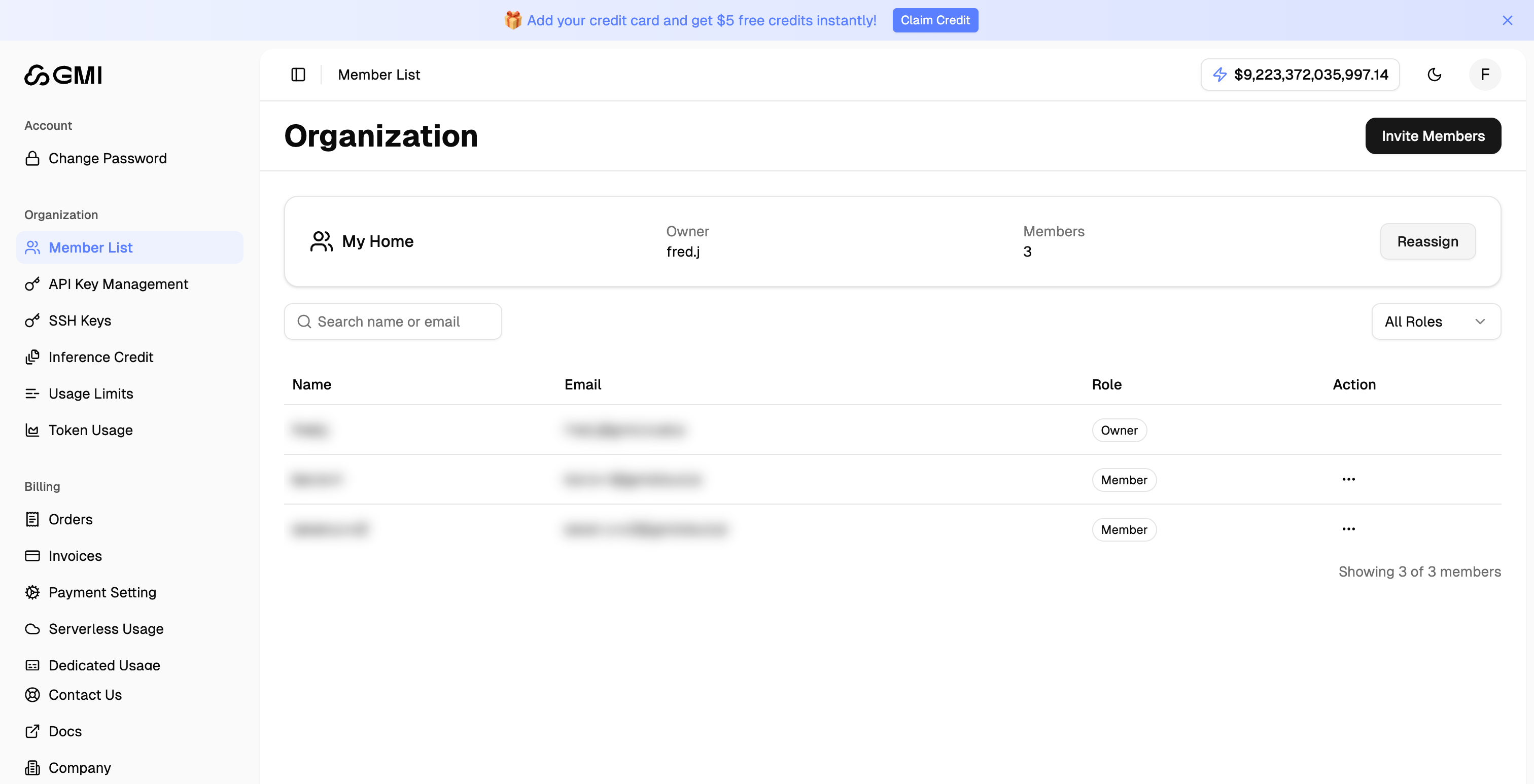
Reassign Organization Owner
- Locate the “Organization Owner” section on the Member List page
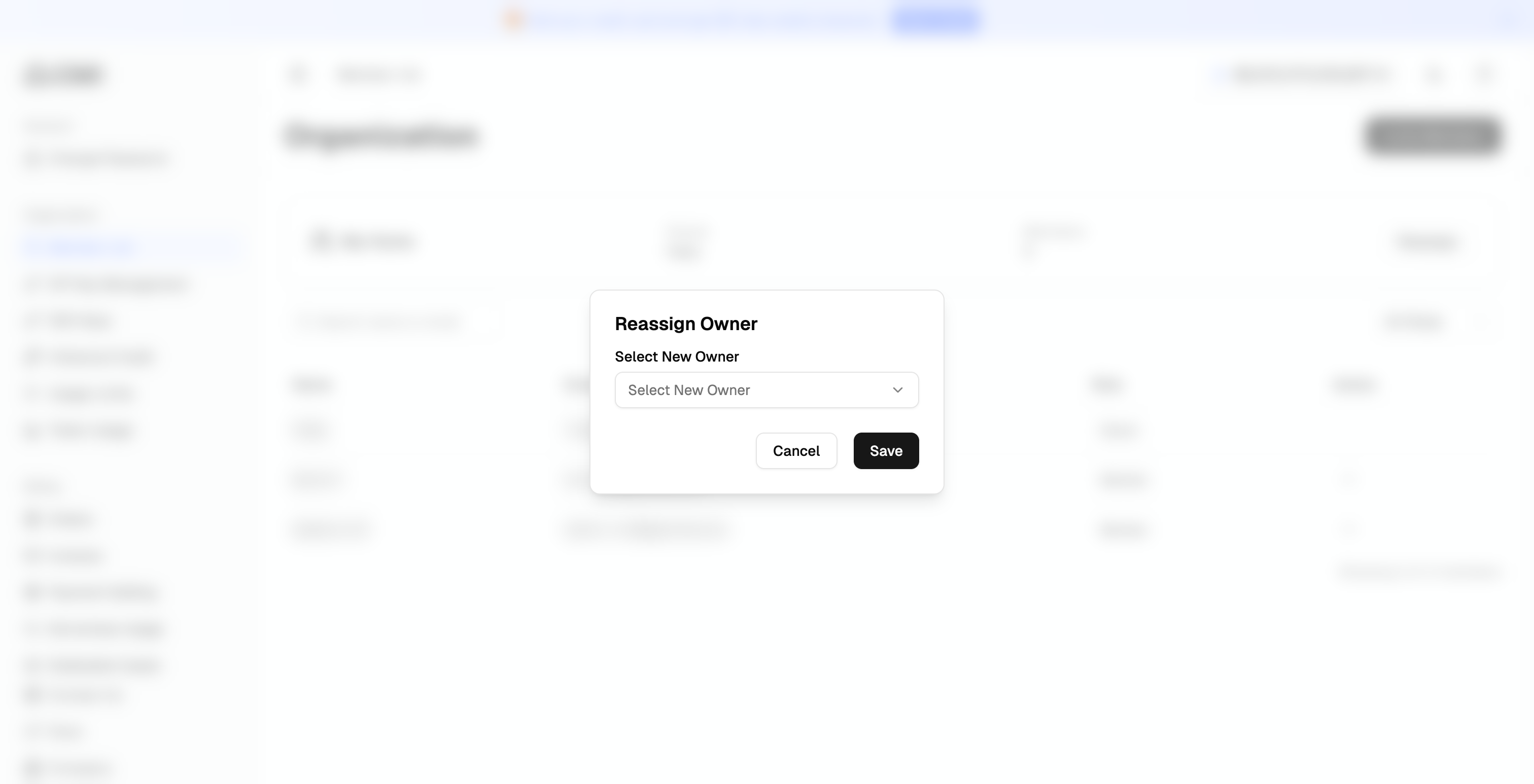
- Click the “Reassign” button
- Select the new owner from the dropdown menu and click “Confirm”
Remove Member
- Locate the member you want to remove
- Click the “More actions” button (three dots icon)
- Select “Remove” from the dropdown menu to remove the member