
Documentation Index

Fetch the complete documentation index at: https://docs.gmicloud.ai/llms.txt

Use this file to discover all available pages before exploring further.

Create and revoke API keys used by external clients and SDKs to call GMI Cloud Inference. URL: https://console.gmicloud.ai/user-setting/api-keys
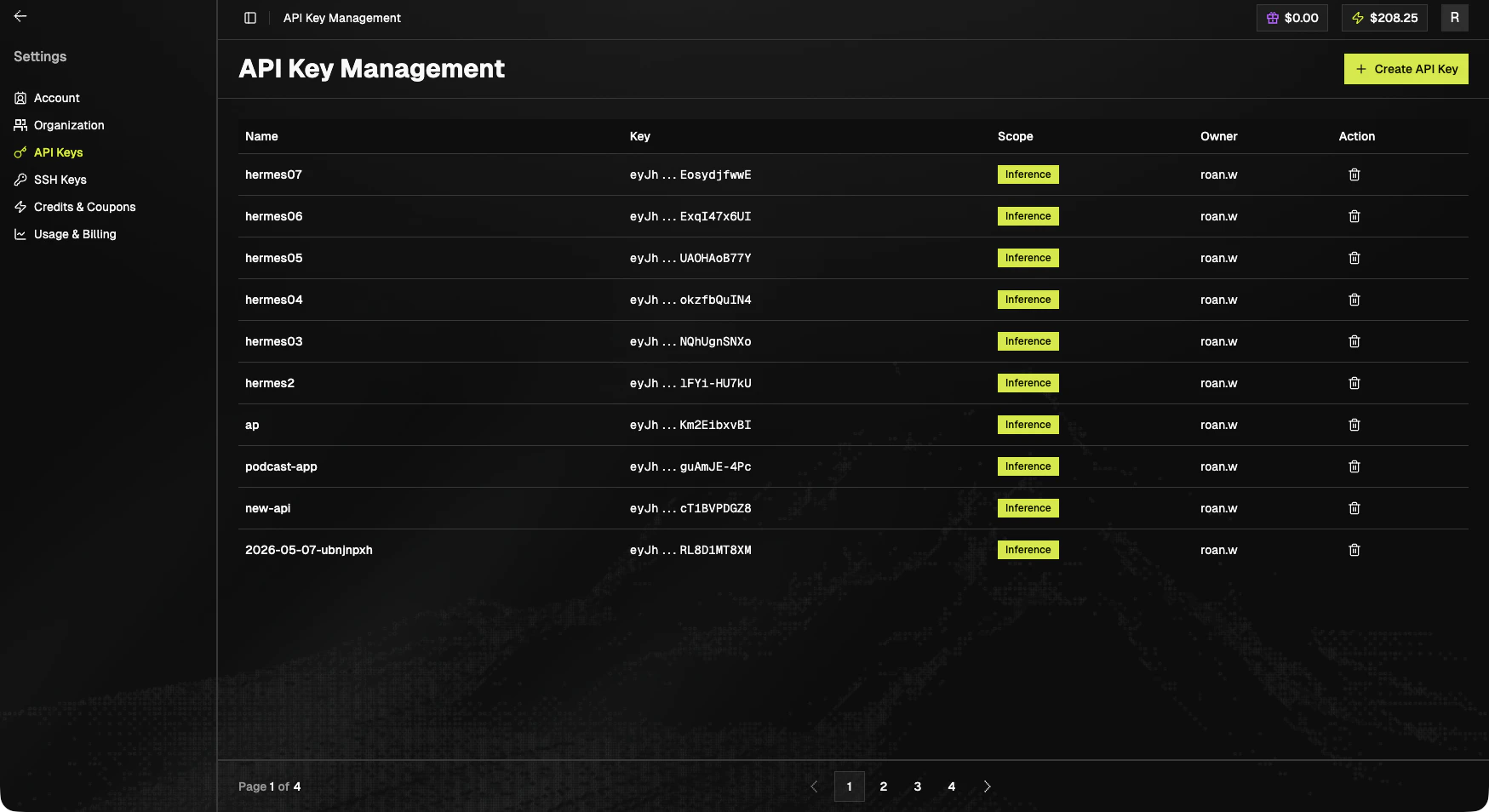
API Key Management

Create a key

Open Settings > API Key Management and click + Create API Key in the top-right. The dialog asks for:
FieldValue
DescriptionEnter a key name that helps you recognize it later (for example, prod-inference or local-dev).
ScopeDefaults to Inference. Leave it set unless you have a reason to change.
Click Create Key to generate the key, or Close to cancel.
Treat API keys as secrets. The full value is only shown when the key is created. Copy and store it immediately. If you lose it, you must create a new one.

Key list

ColumnNotes
NameFriendly name
KeyTruncated preview (e.g. eyJh...XXXX) with copy on hover
ScopeScope badge. Inference is the common scope.
OwnerMember who created the key
ActionDelete (trash icon)
Keys are paginated at 10 / page.

Next steps