

https://console.gmicloud.ai/user-console/ce/firewalls
Firewalls let you control incoming network traffic to your bare metal servers and container instances by defining security rules. Each firewall is scoped to a single IDC (data center).
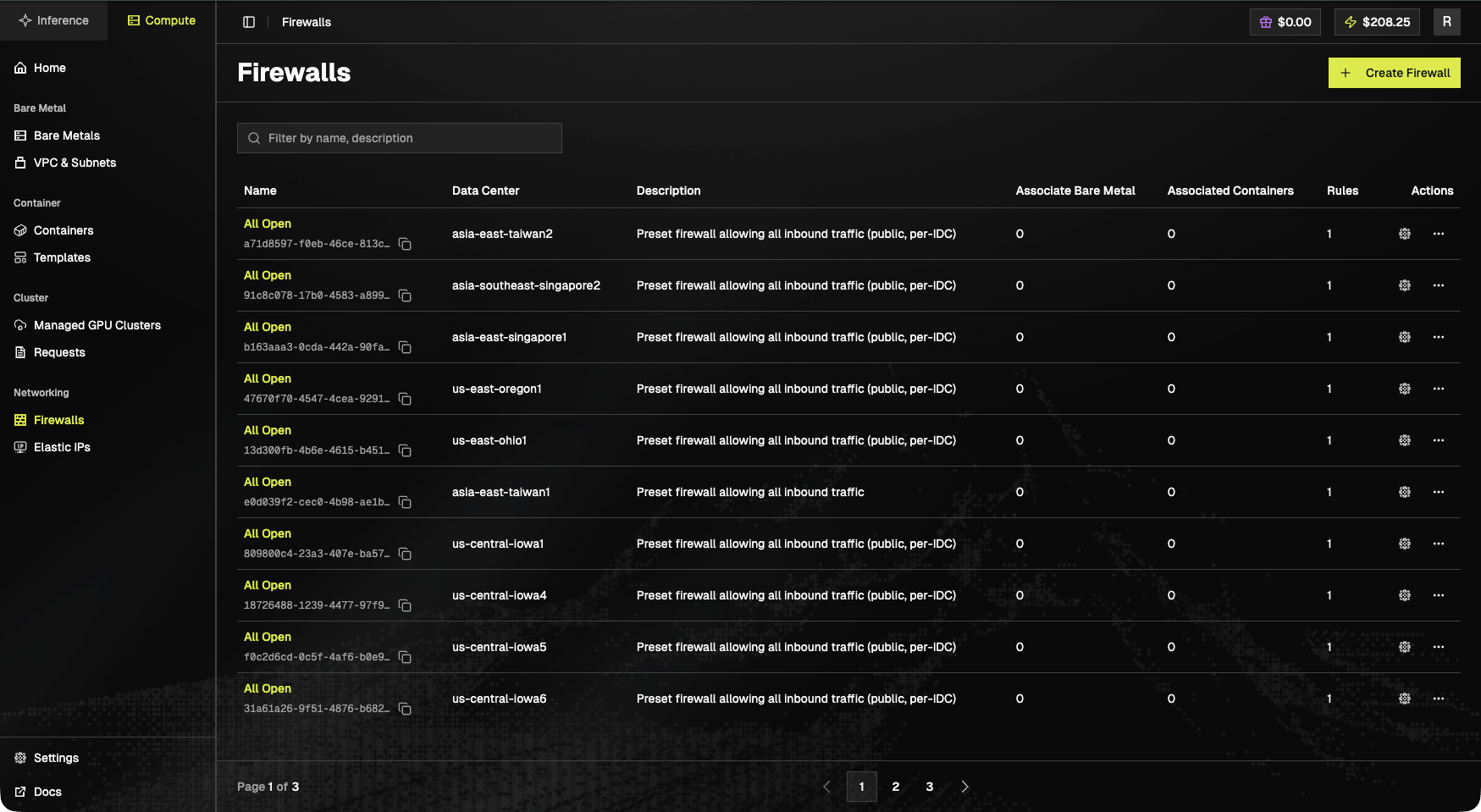
Toolbar
- + Create Firewall (top-right).
- Filter by name or description.
Table columns
Built-in firewalls
Every available IDC ships with a pre-provisioned All Open firewall: preset firewall allowing all inbound traffic (public, per-IDC). Examples includeasia-east-taiwan1/2, asia-east-singapore1, asia-southeast-singapore2, us-east-oregon1, us-east-ohio1, us-central-iowa1/4/5/6.
Access Firewalls
- Click “Firewalls” in the left sidebar under the “Networking” section
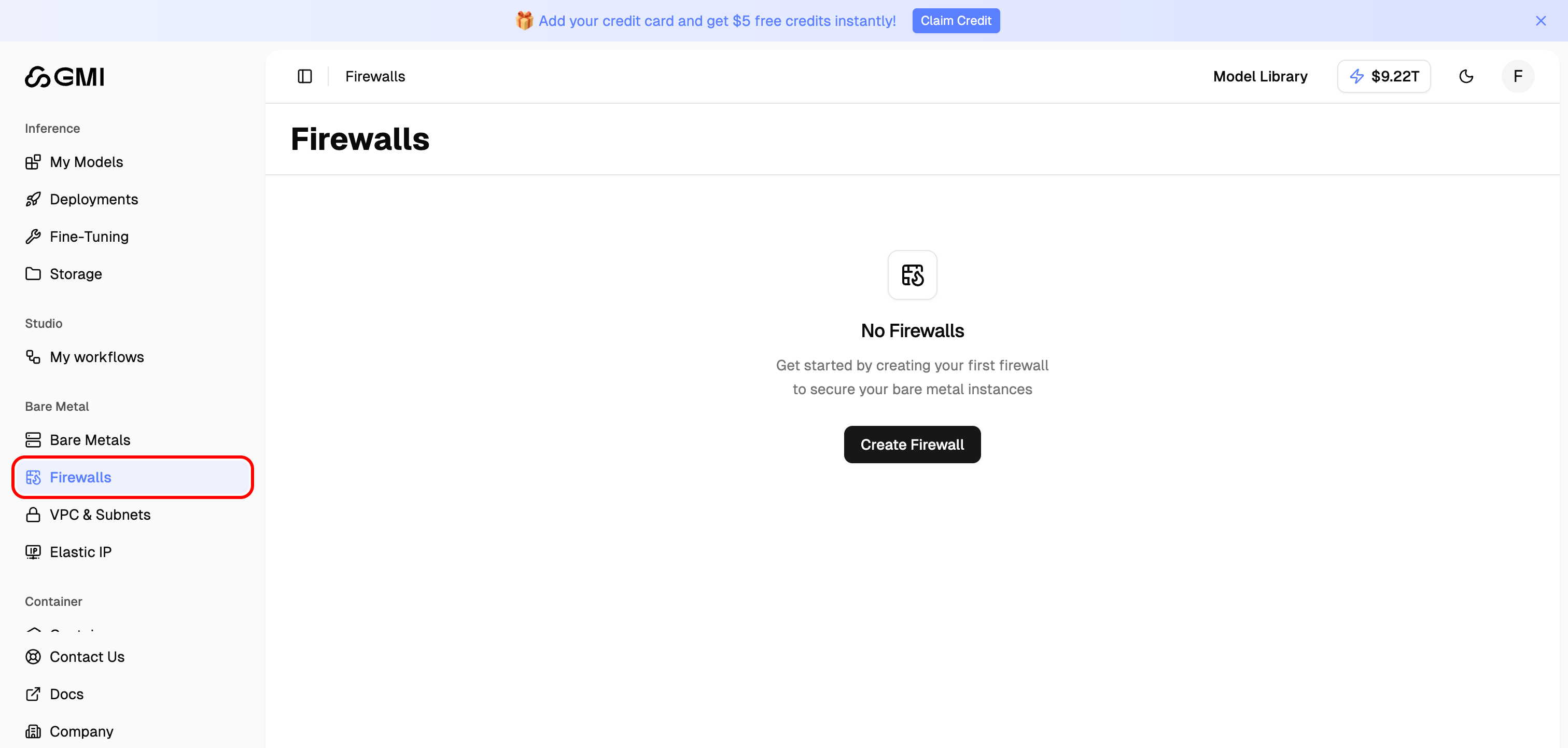
- You will see the Firewalls list page showing all your firewall configurations. The Associate Bare Metal and Associated Containers columns show how many instances each firewall is attached to.
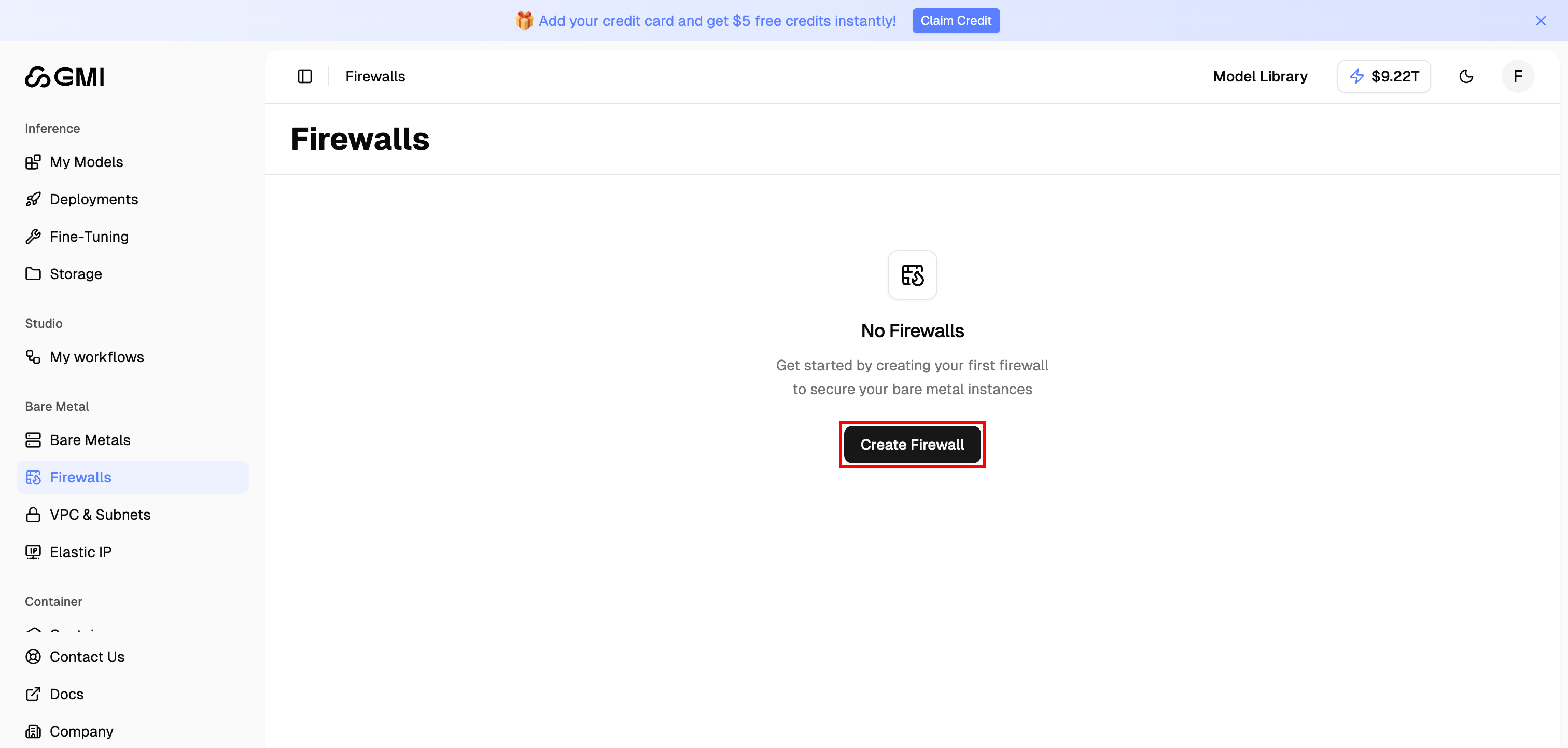
Create a Firewall
- Click the “Create Firewall” button in the top right corner
- Fill in the firewall configuration form:
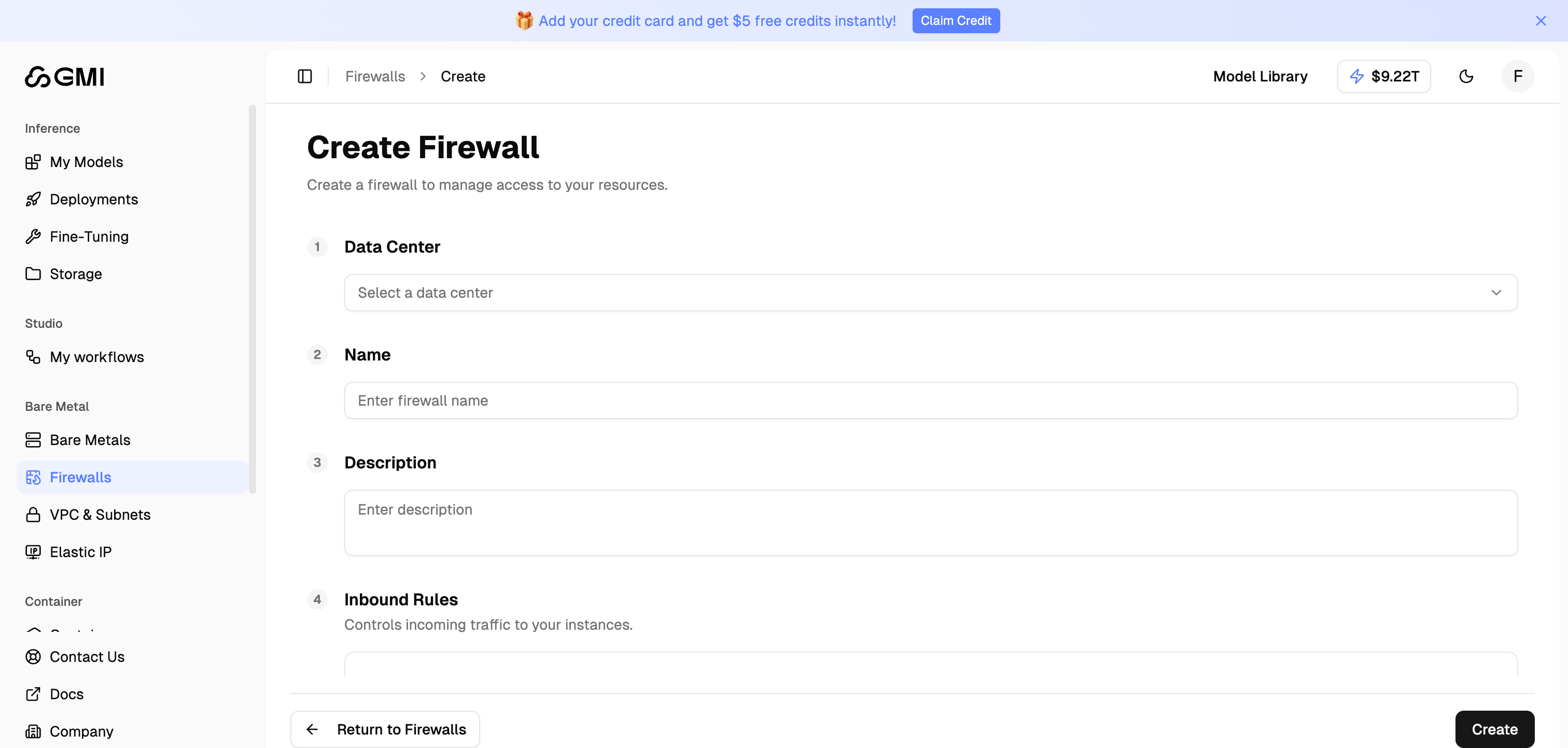
Configuration Fields
Inbound Rules
Inbound rules control incoming traffic to the attached instances. Each rule consists of:
Click “Add Rule” to add additional inbound rules.
- Click “Create” to create the firewall
You can attach instances during creation, or at any time afterwards via the Manage page, see the next section.
Associate a Firewall with Instances
A firewall can be associated with either Bare Metal servers or Container instances. The list page shows the current counts in the Associate Bare Metal and Associated Containers columns.
- On the Firewalls list page, click the firewall name (e.g.,
All Open) to open its detail page - On the detail page, click the “Manage” button in the top right corner

- On the Manage page you will see two sections: Bare Metal Association and Associate to Container

- Click the dropdown of the section you want and select one or more instances (only instances in the same data center as the firewall are listed)

- Click “Save” to apply the association
The All Open preset firewall allows all inbound traffic (
0.0.0.0/0), useful for testing, but not recommended for production workloads. Use a stricter custom firewall for instances that are exposed to the internet.Disassociate a Firewall from an Instance
To remove an instance from a firewall, use the same Manage page:- On the Firewalls list page, click the firewall name to open its detail page
- Click “Manage” in the top right corner
- In the Bare Metal Association or Associate to Container section, locate the chip for the instance you want to disassociate and click the ”×” icon on that chip

- Click “Save” to apply the change
Manage Firewalls
From the Firewalls list page, you can:- View details, click the firewall name to inspect its rules and associations
- Edit rules, open the detail page and update inbound rules
- Associate / Disassociate instances, use the Manage page (see above)
- Delete firewall, from the detail page; only firewalls with no associated instances can be deleted